
FX100
Landing page, desktop and mobile dApp interface, social communication and an animated post for FX100, the perpetual DEX that ends liquidations with 15 minutes of protection on every position.
- Year
- 2026
- Disciplines
- UI/UX, Web, Motion, Branding
- Tools
- Figma, Next.js, HyperFrames
At a glance
Landing page
Walkthrough
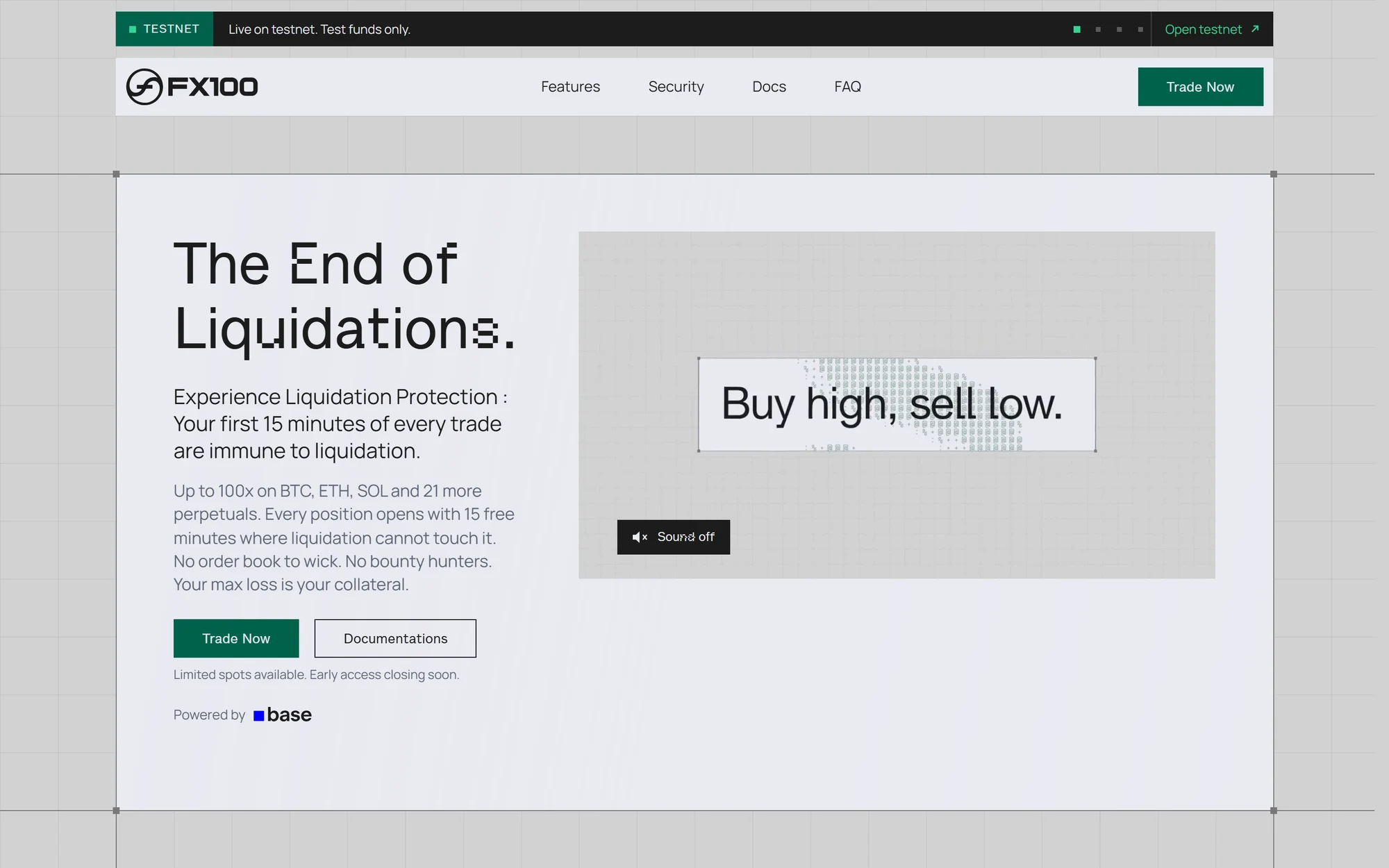
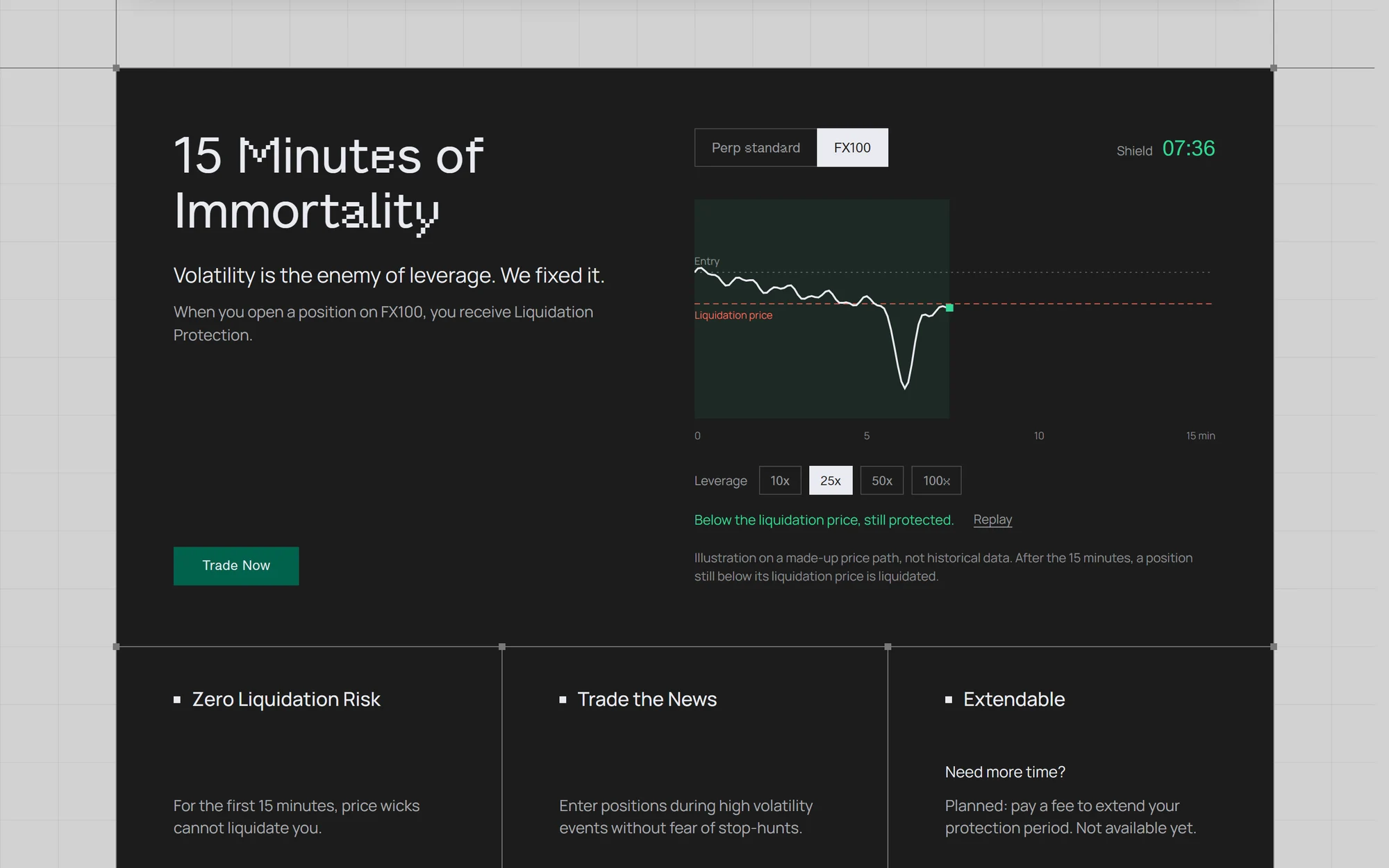
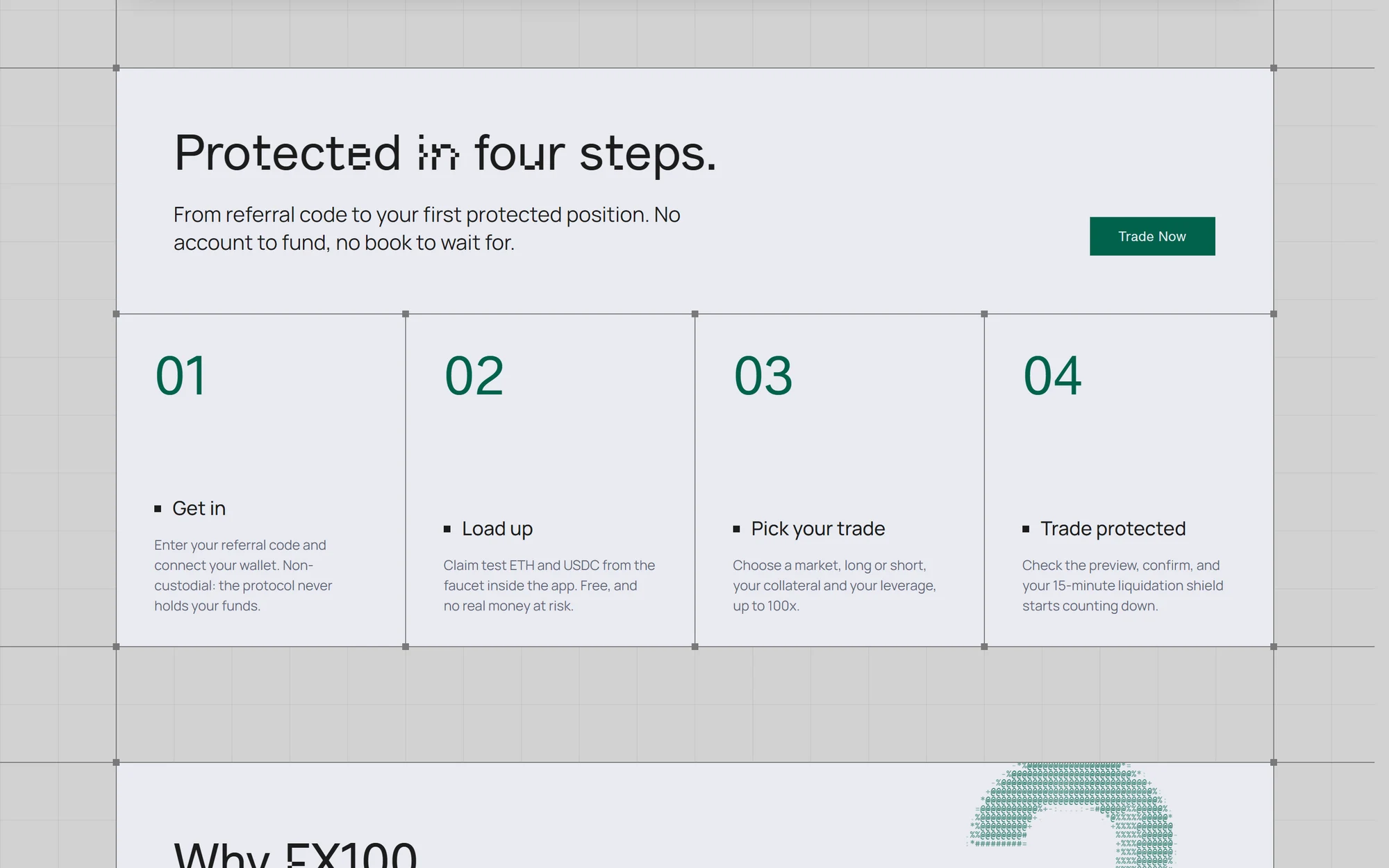
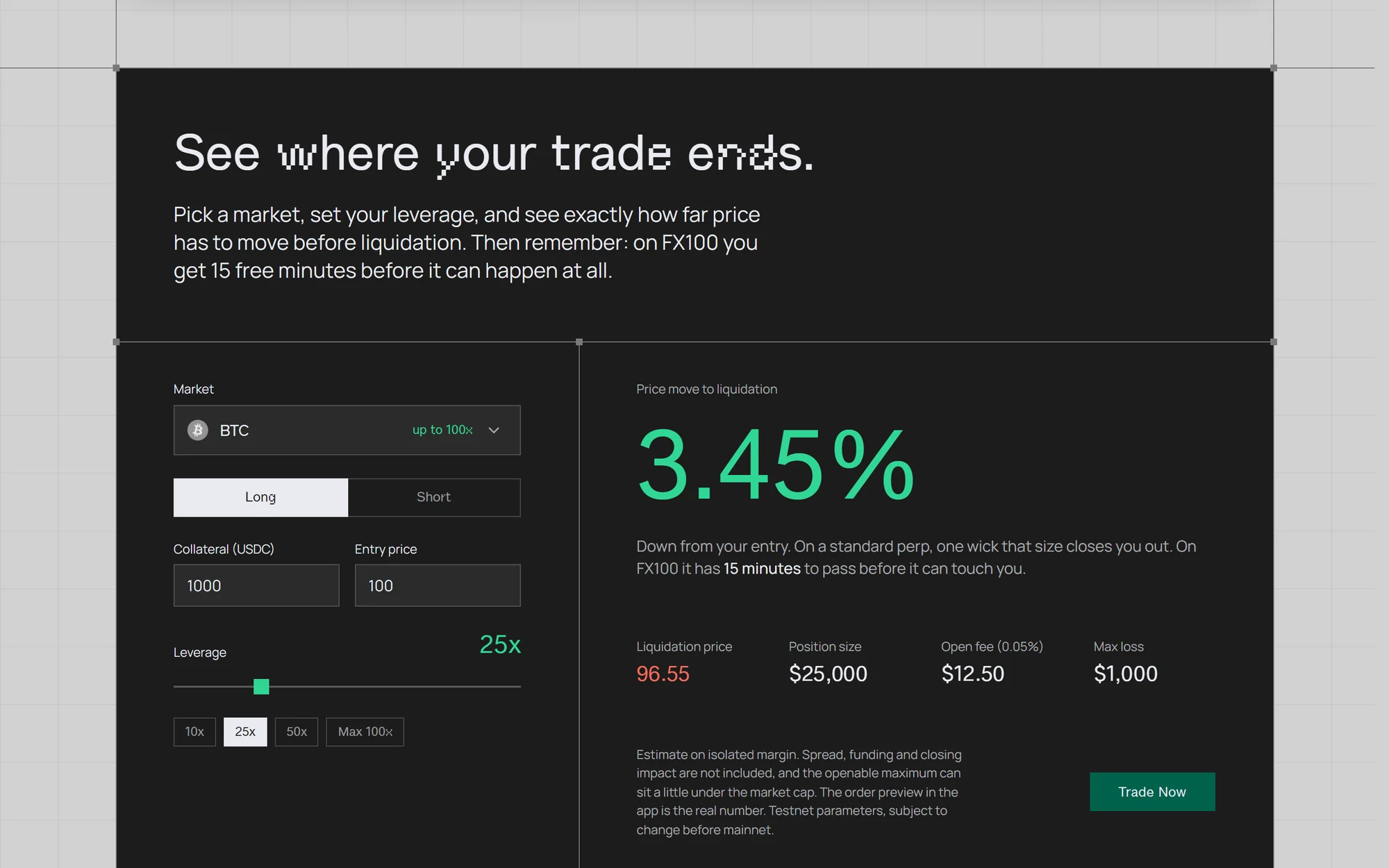
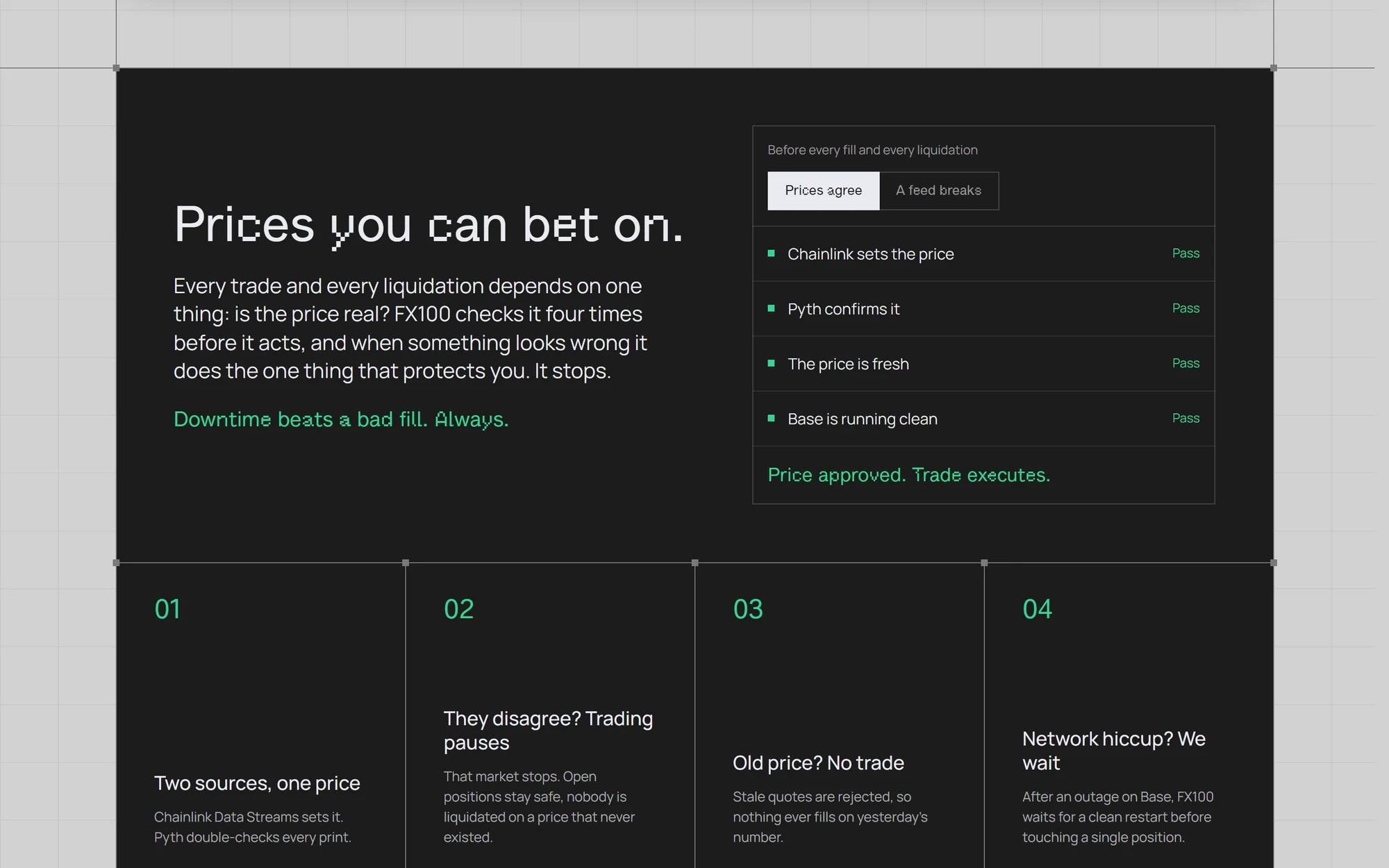
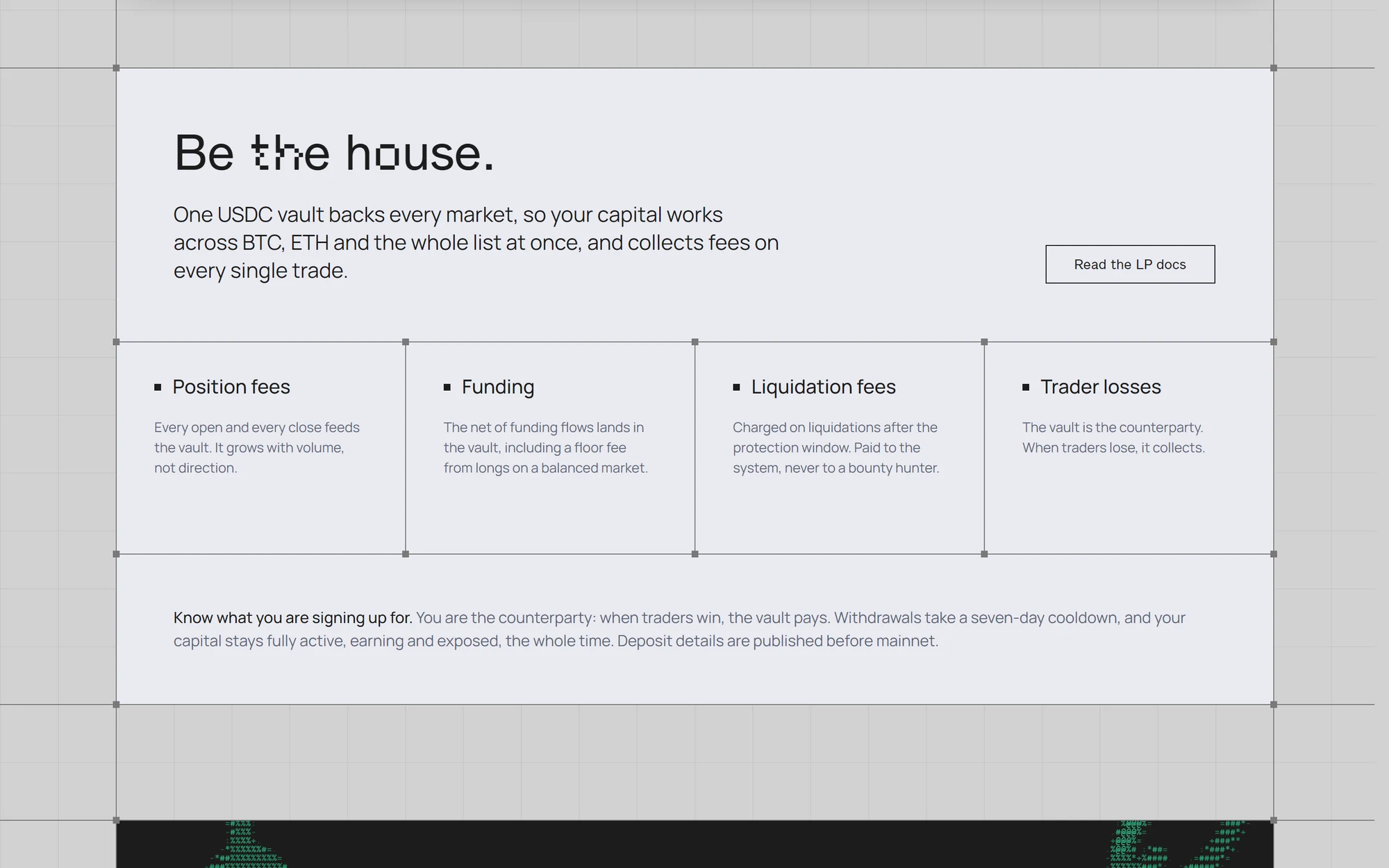
The landing page for the FX100 testnet. It opens on the promise, the end of liquidations, then walks through the 15 minutes of protection, how it works in four steps, a liquidation calculator, costs, prices and liquidity. Designed in Figma and built in code, on a 60 px blueprint grid with ASCII animations.
Desktop dApp
Trading interface
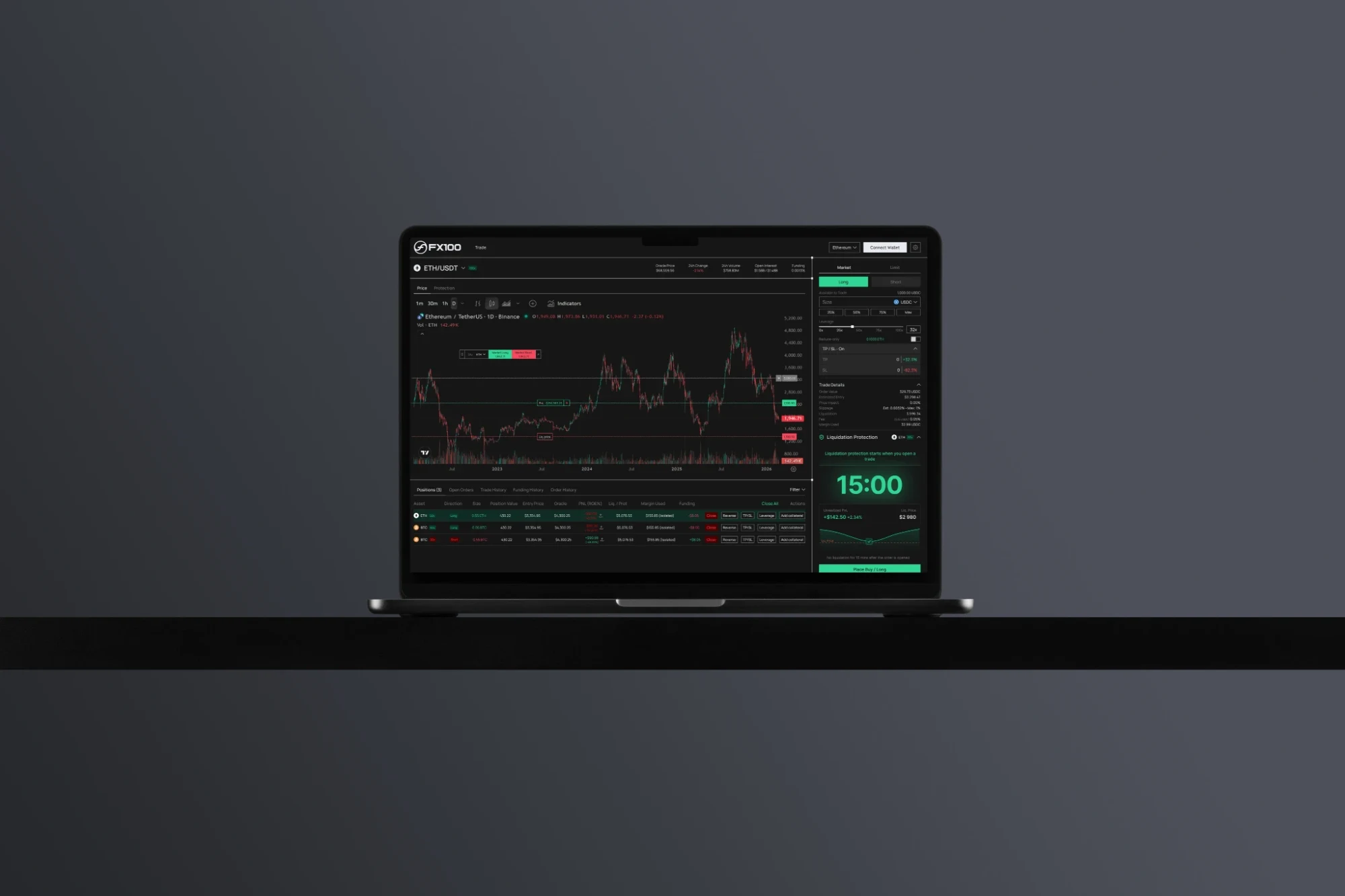
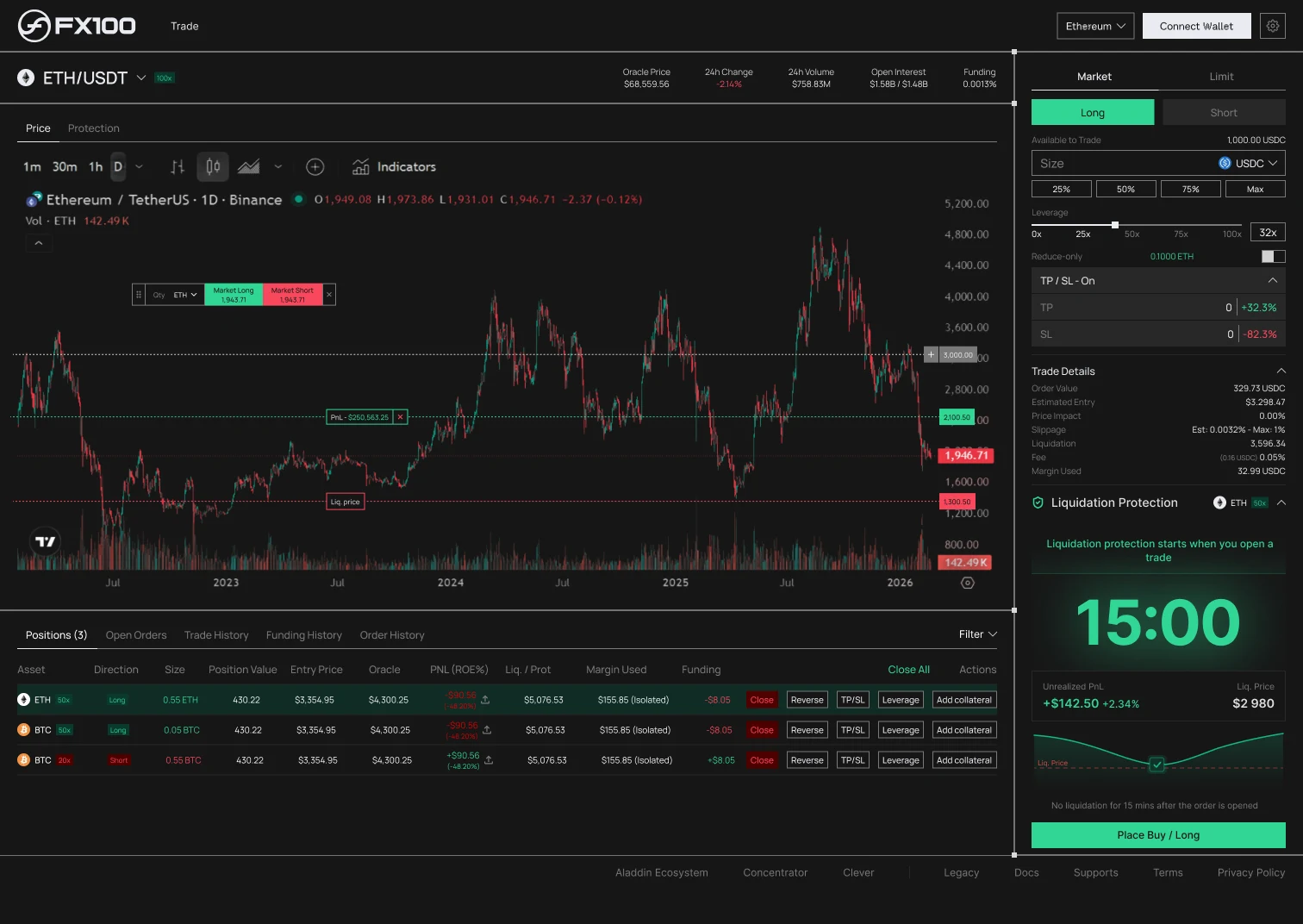
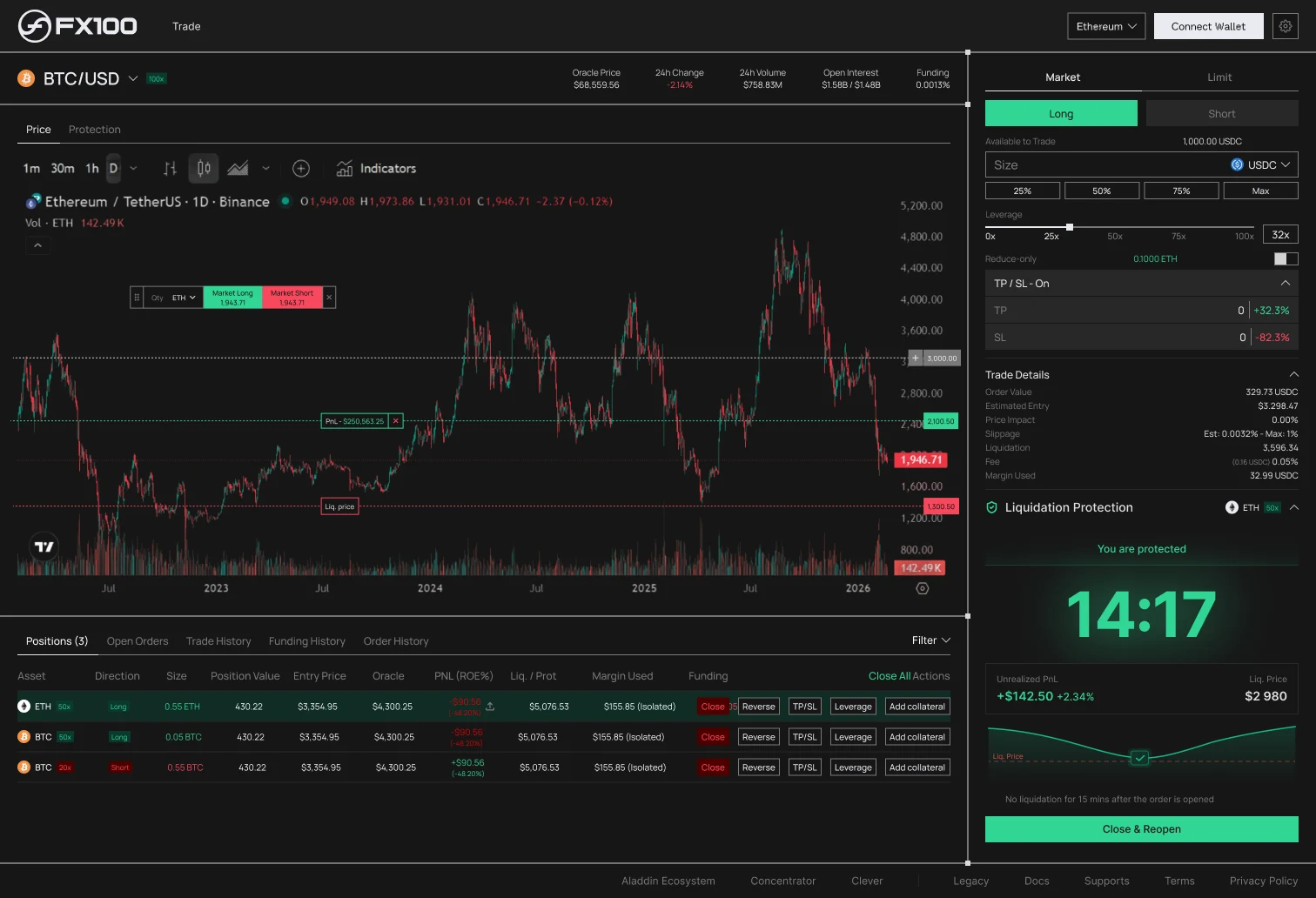
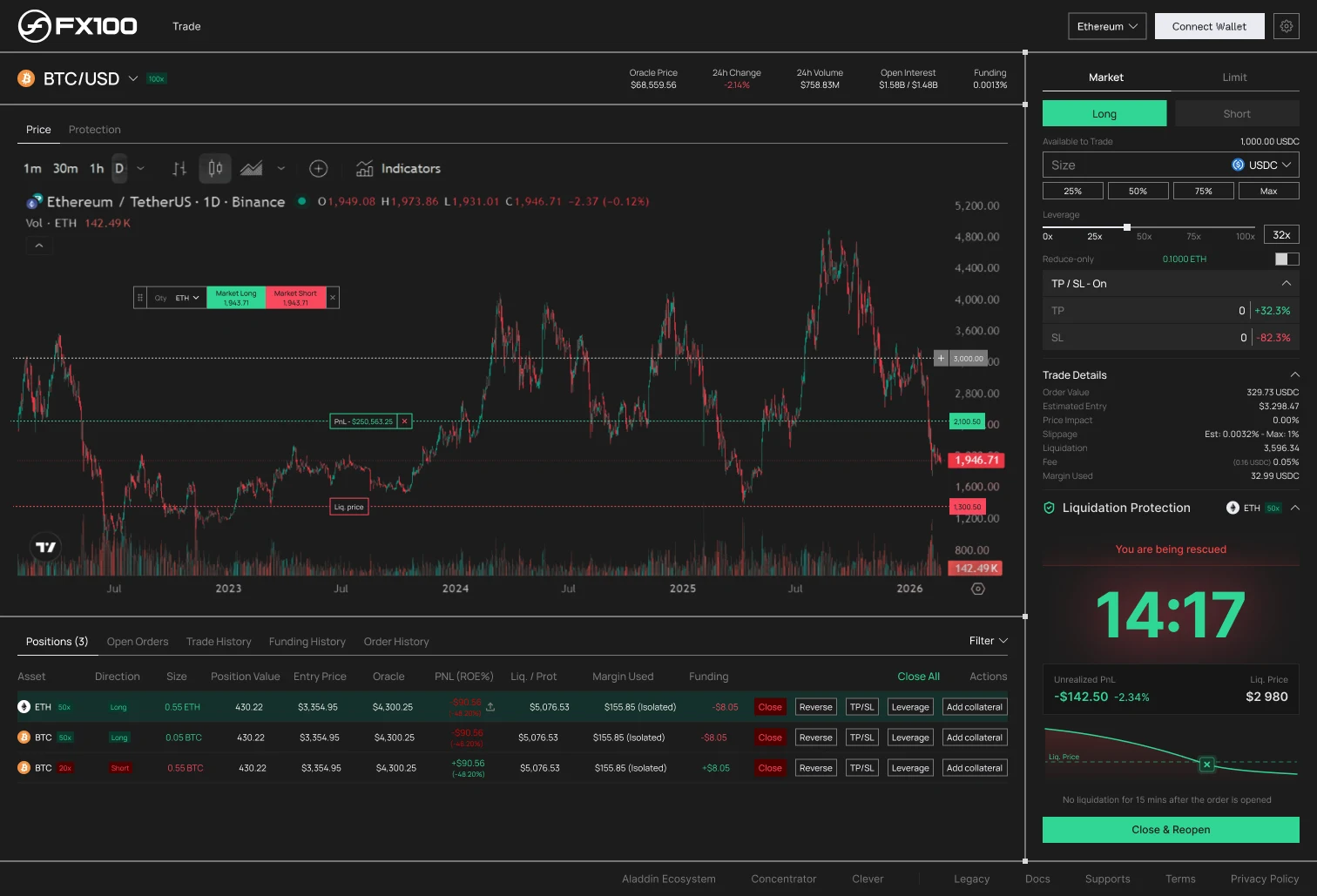
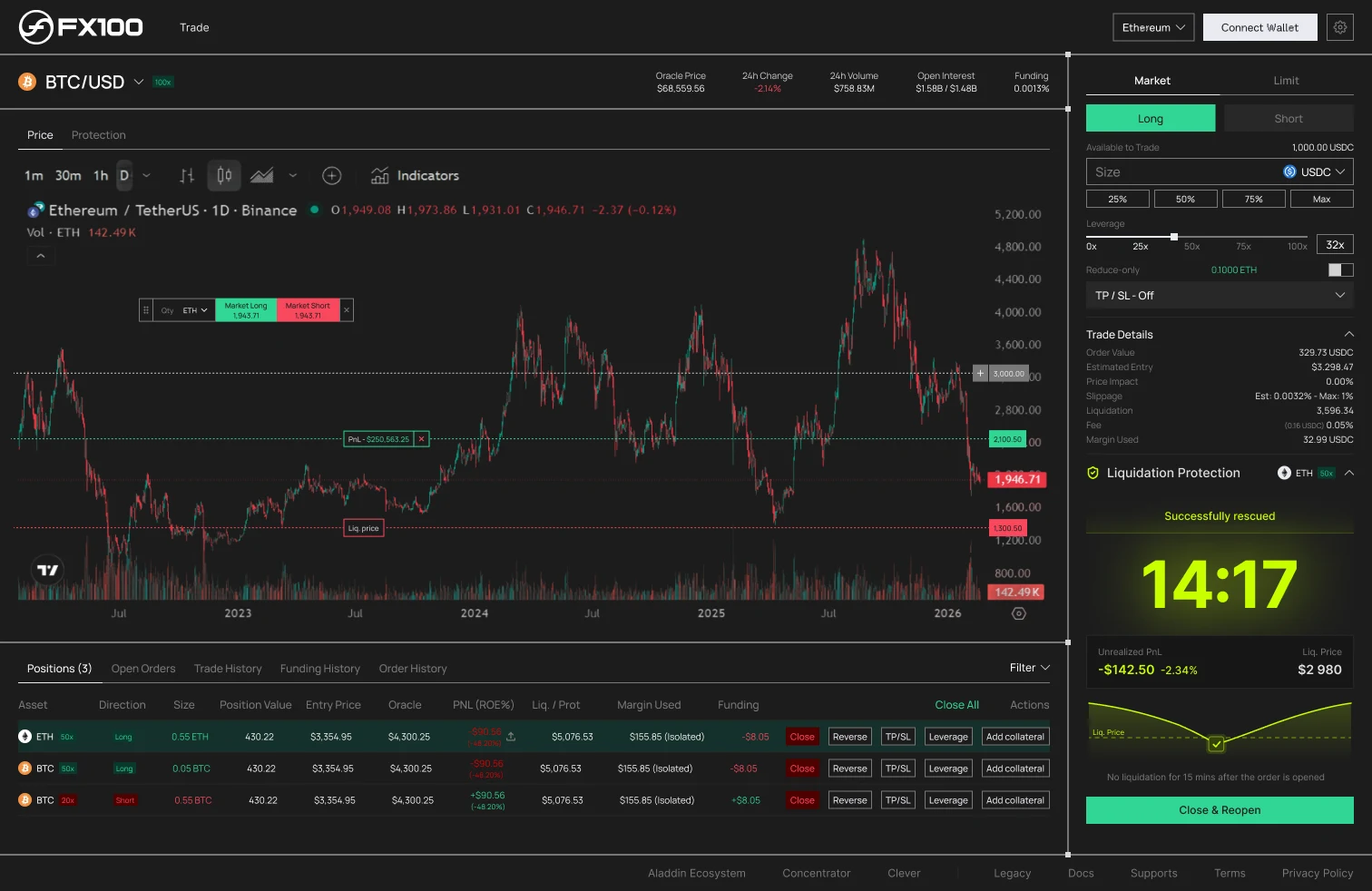
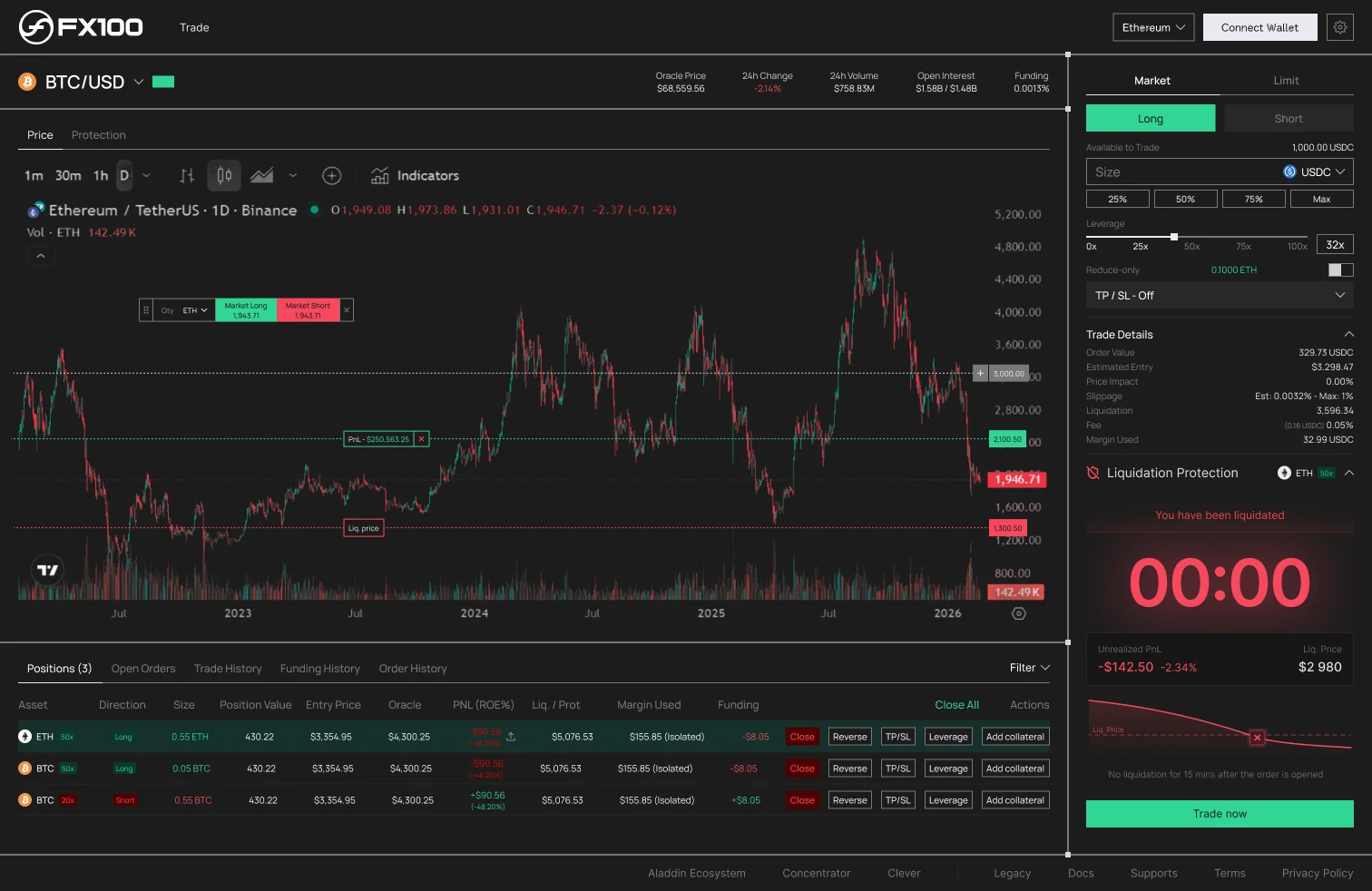
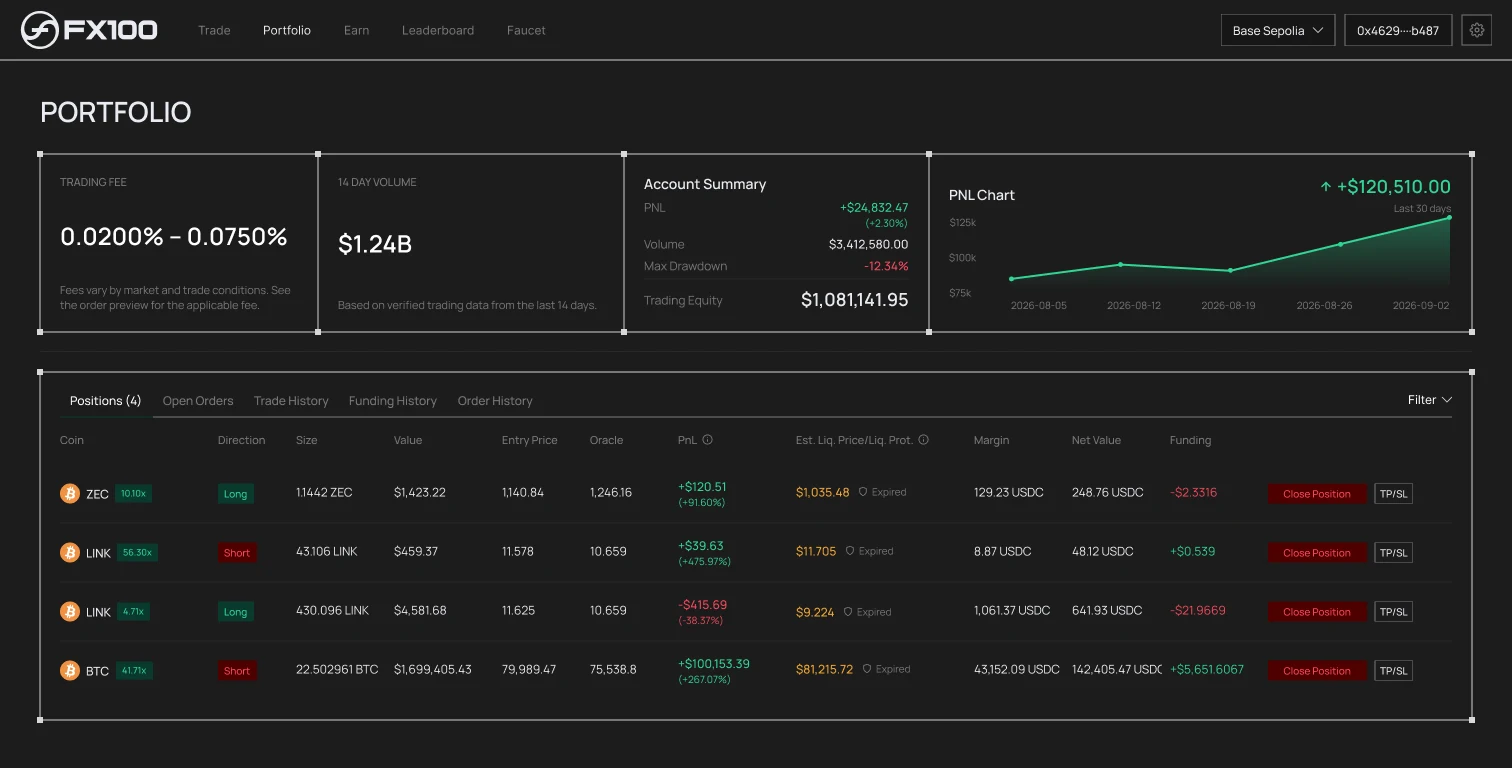
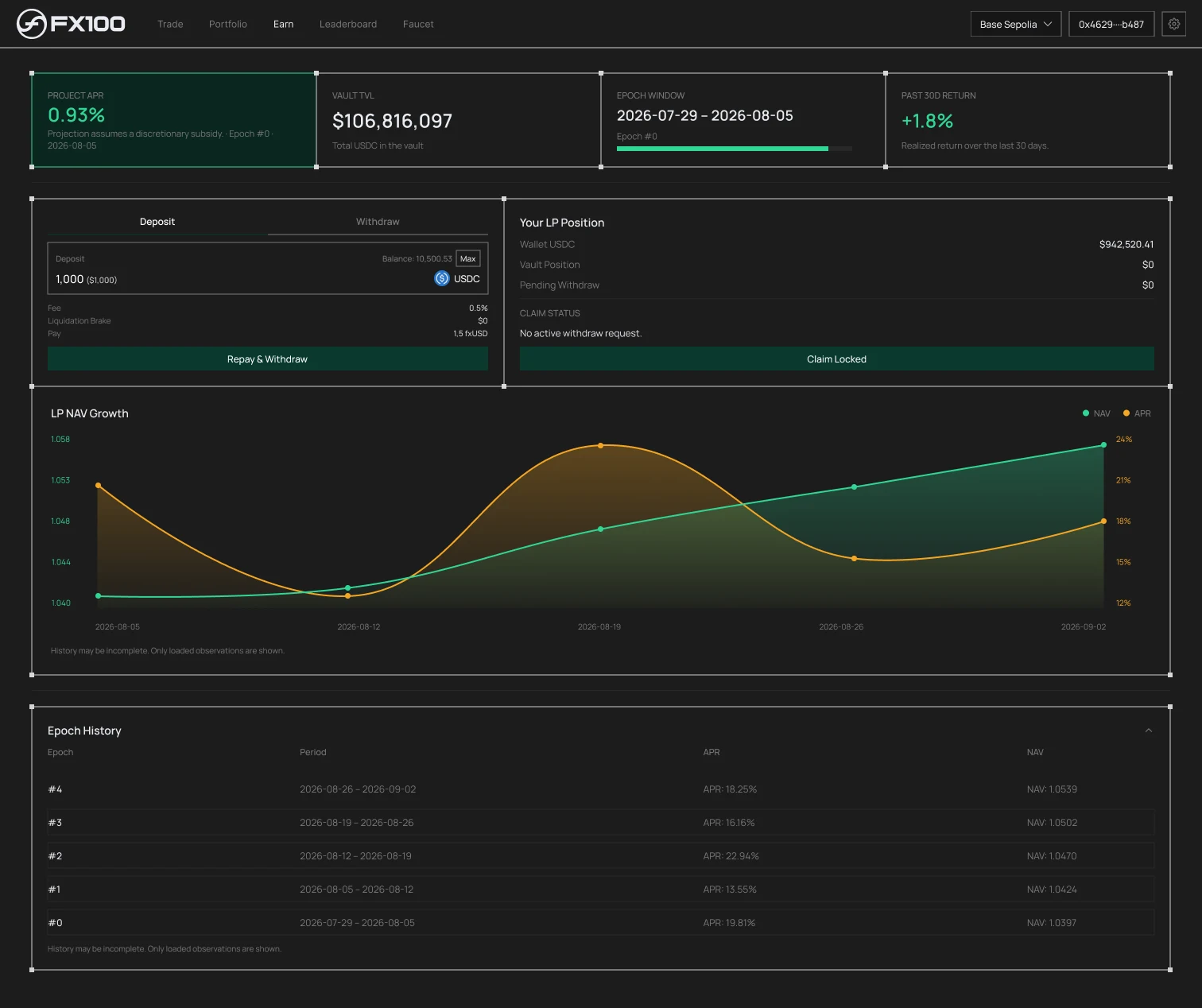
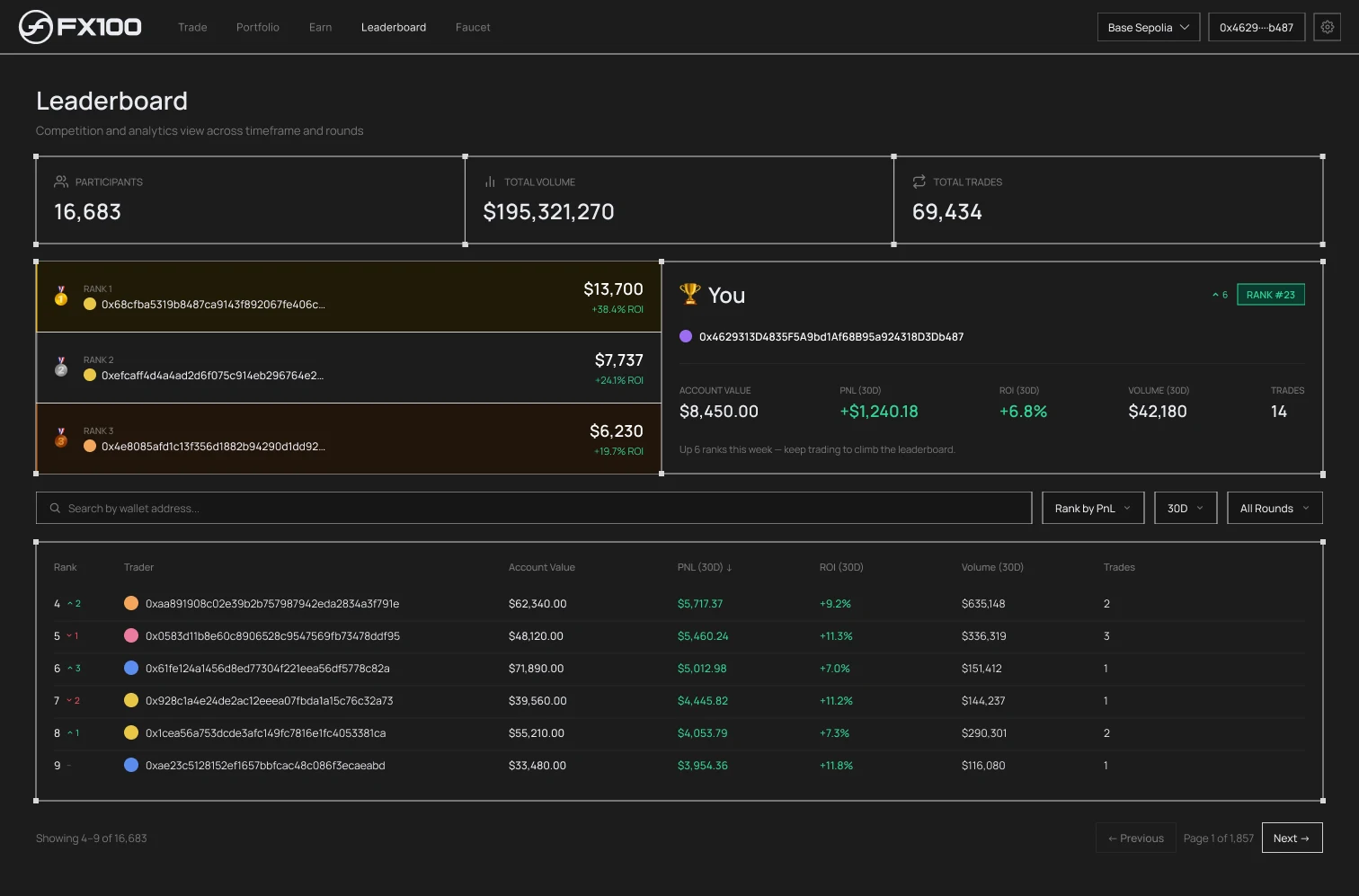
The desktop trading interface, designed in Figma around the liquidation protection timer: a fresh position at 15:00, the countdown, the rescue, then the two outcomes, saved or liquidated. Portfolio, earn and leaderboard complete the app.
Mobile dApp
Clickable prototype
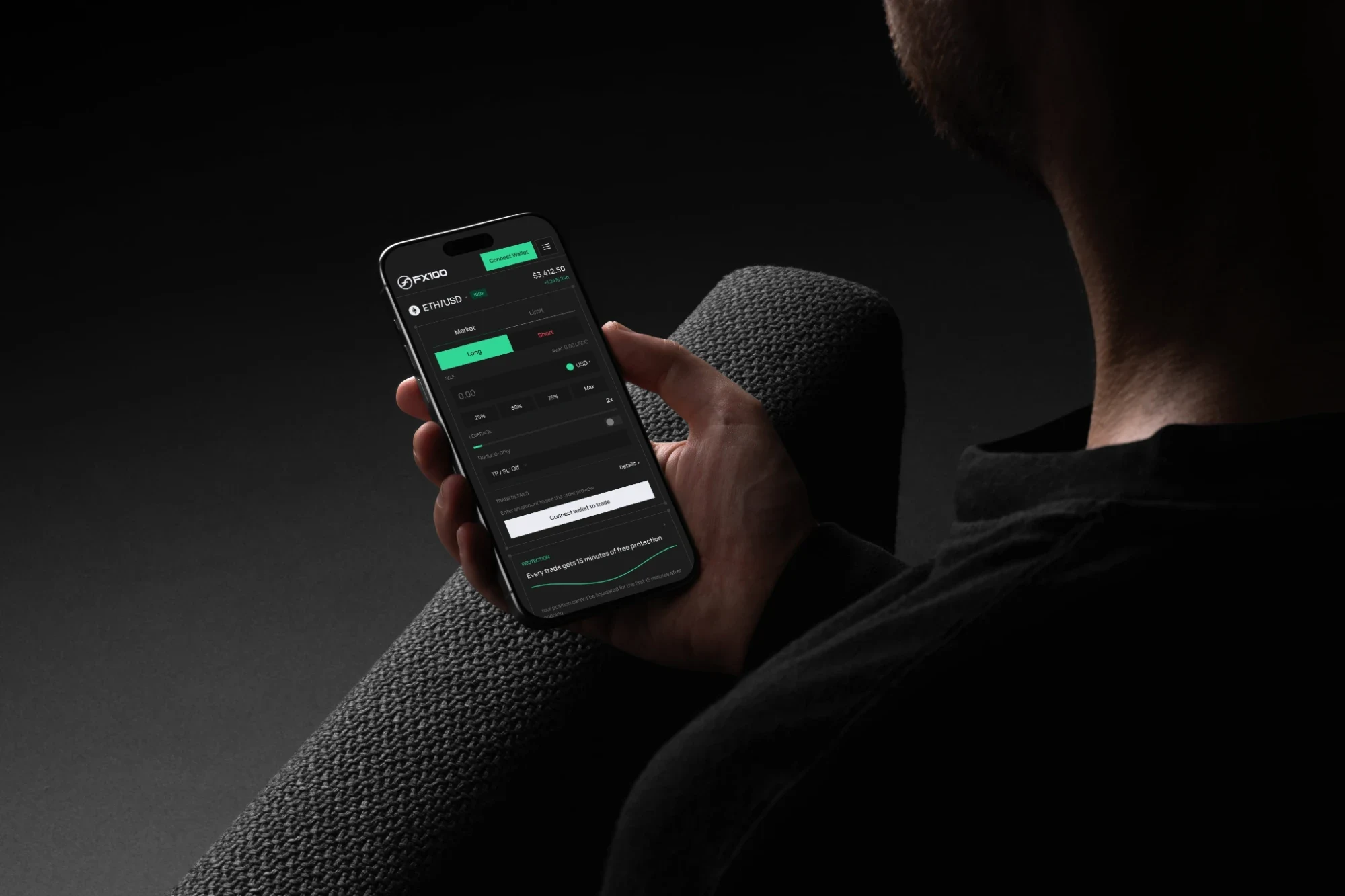
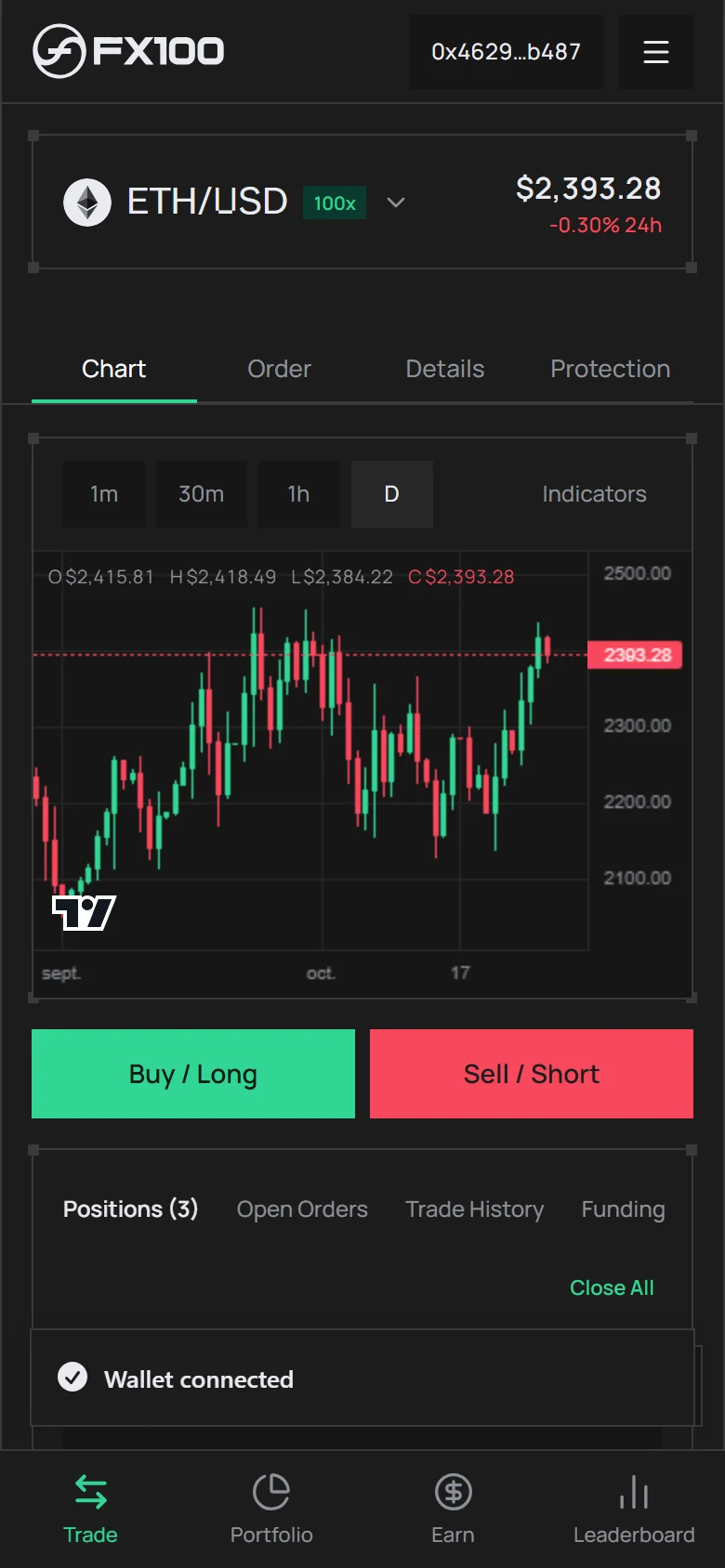
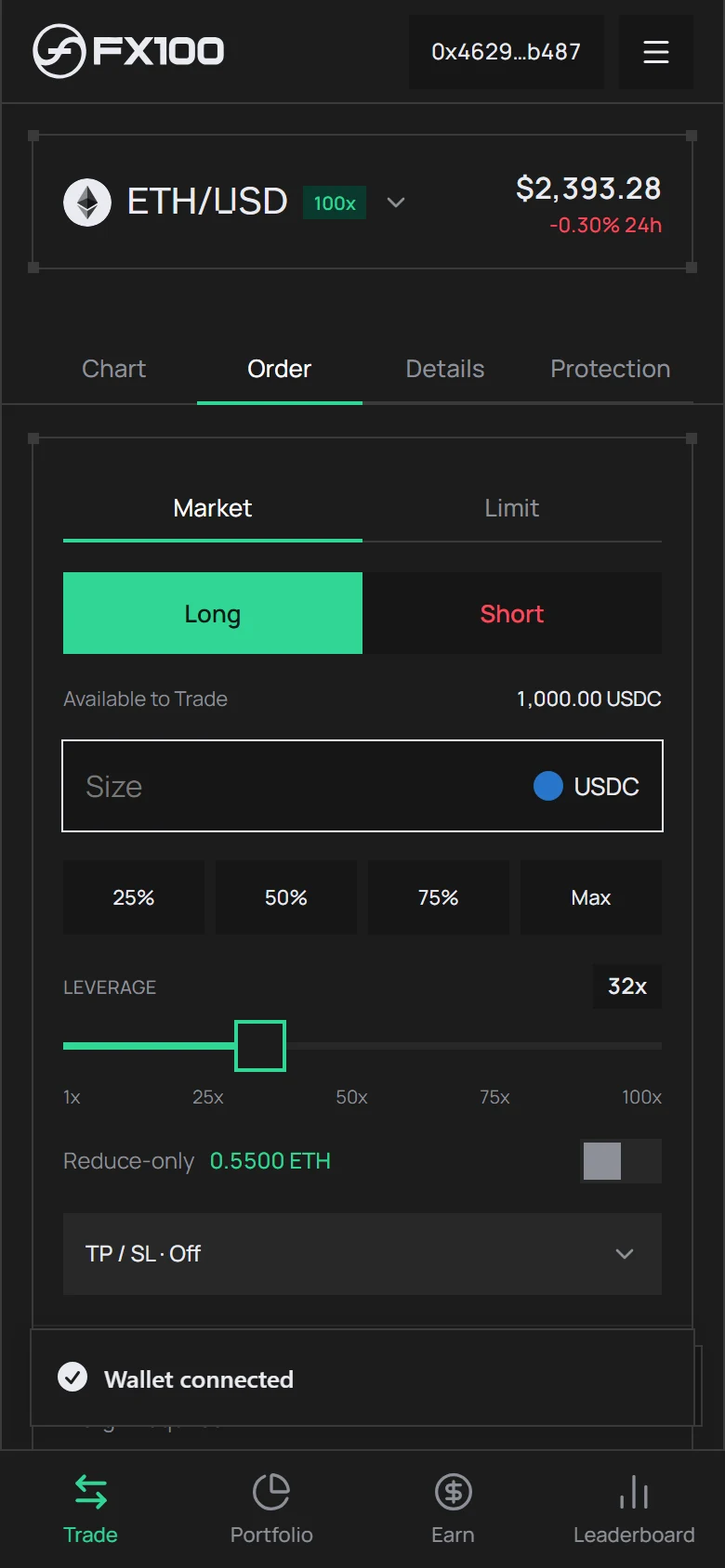
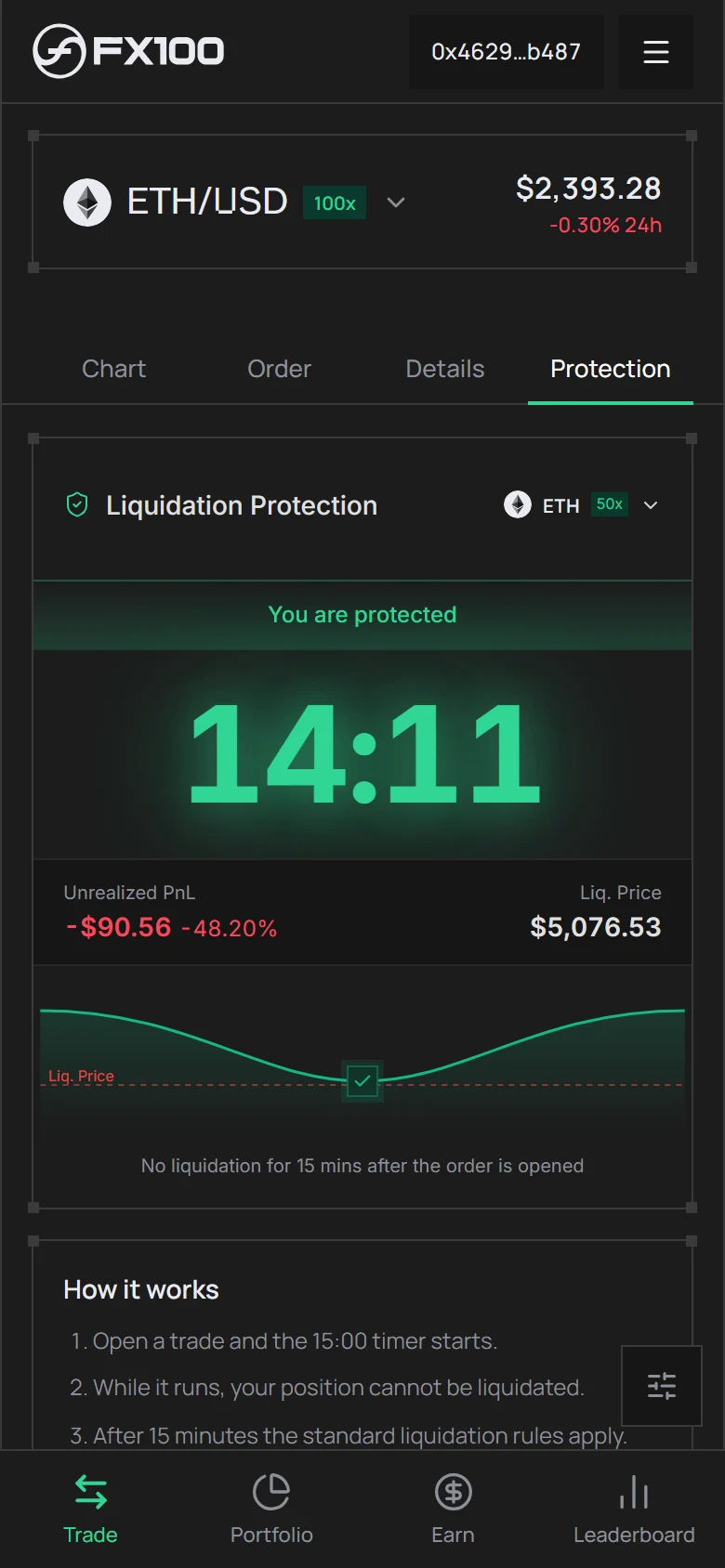
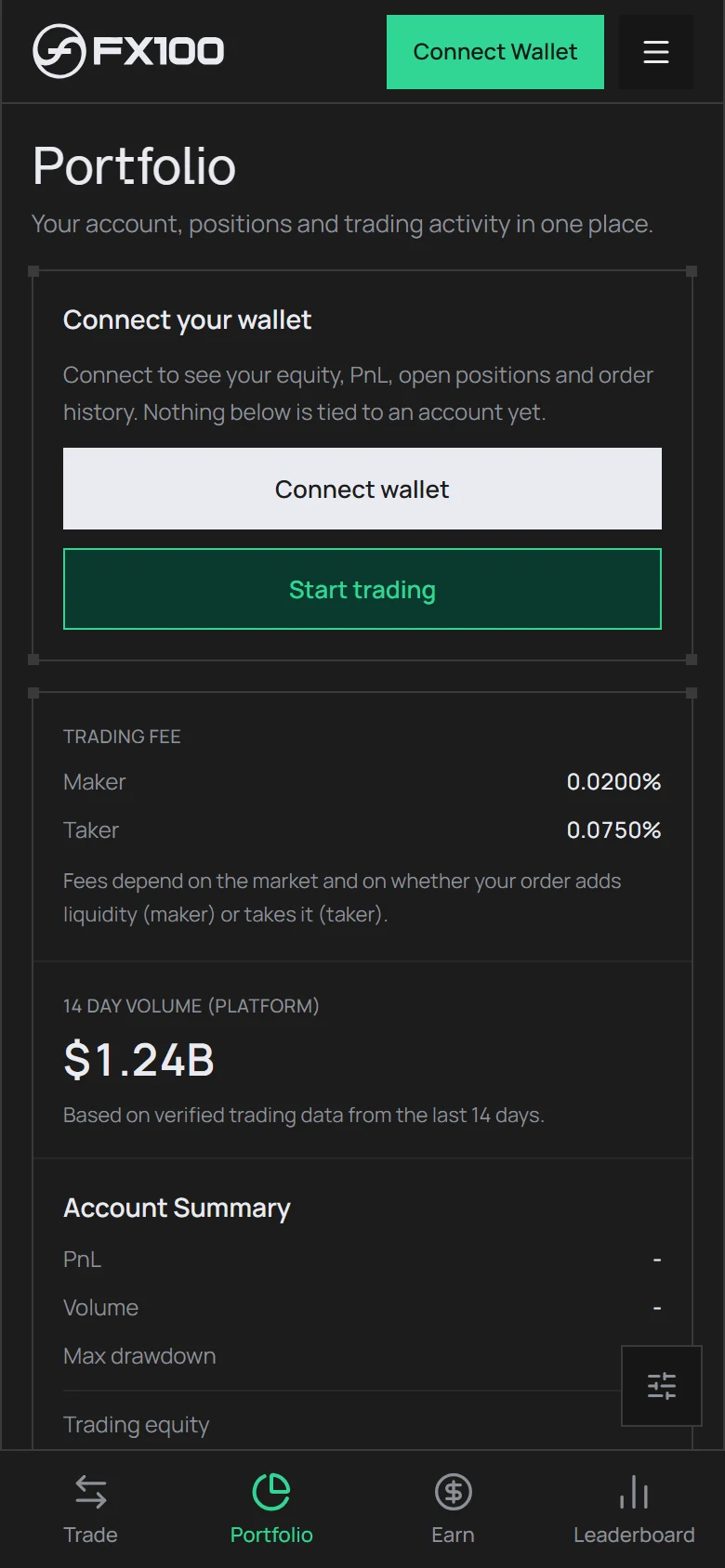
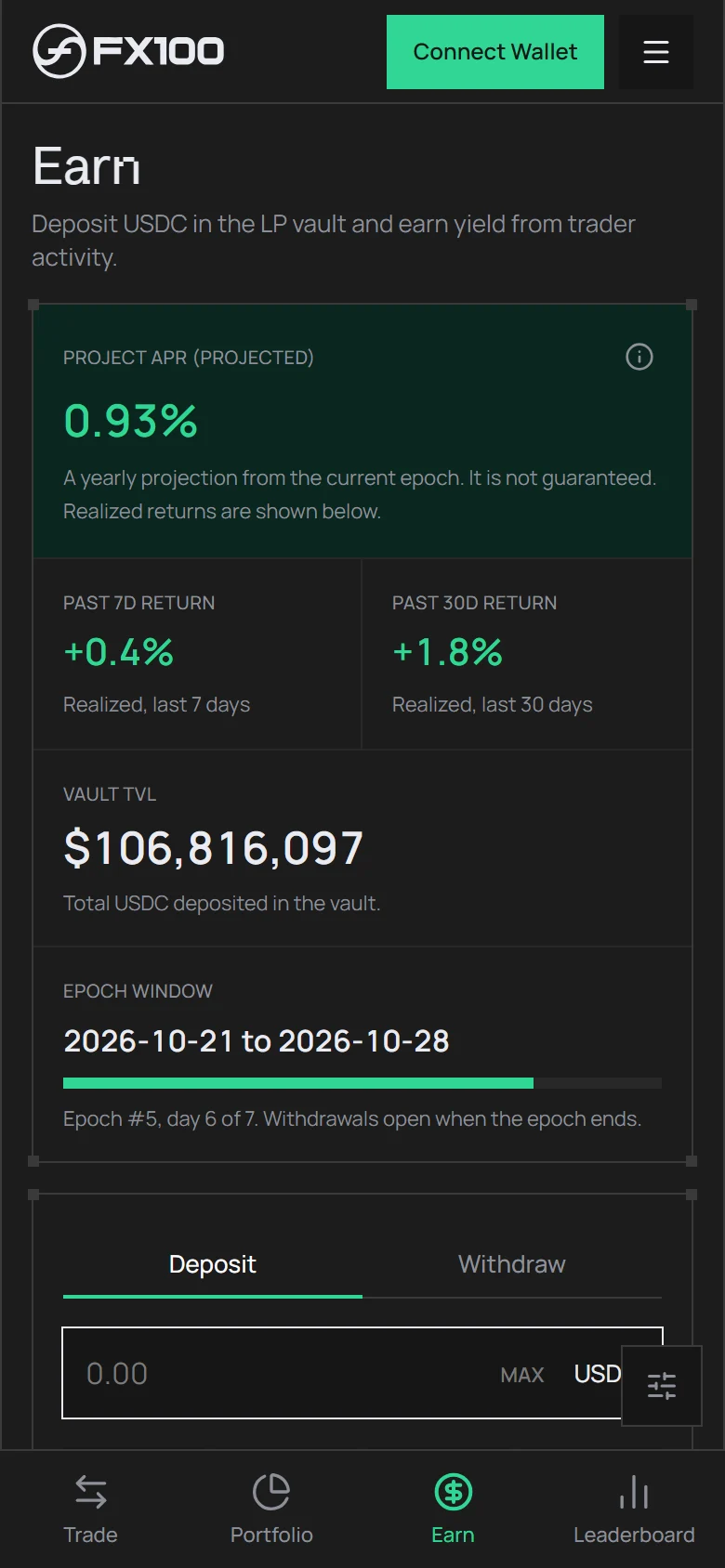
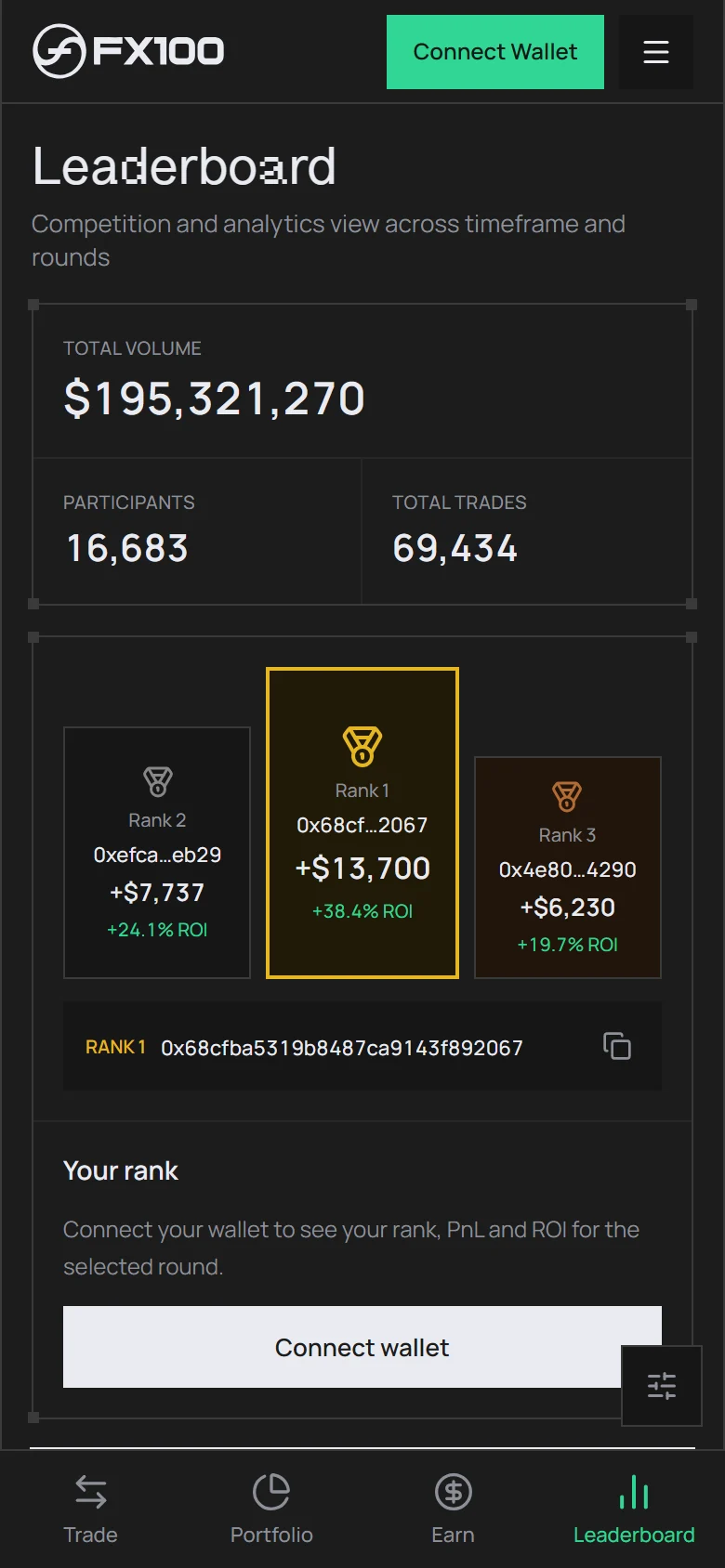
A clickable mobile version of the dApp, coded from the Figma design so every interaction can be felt on a phone: trade (chart, order, details, protection), portfolio, earn and leaderboard. It runs on a simulated backend and is documented so a developer can plug in the real one.
Communication
Social visuals
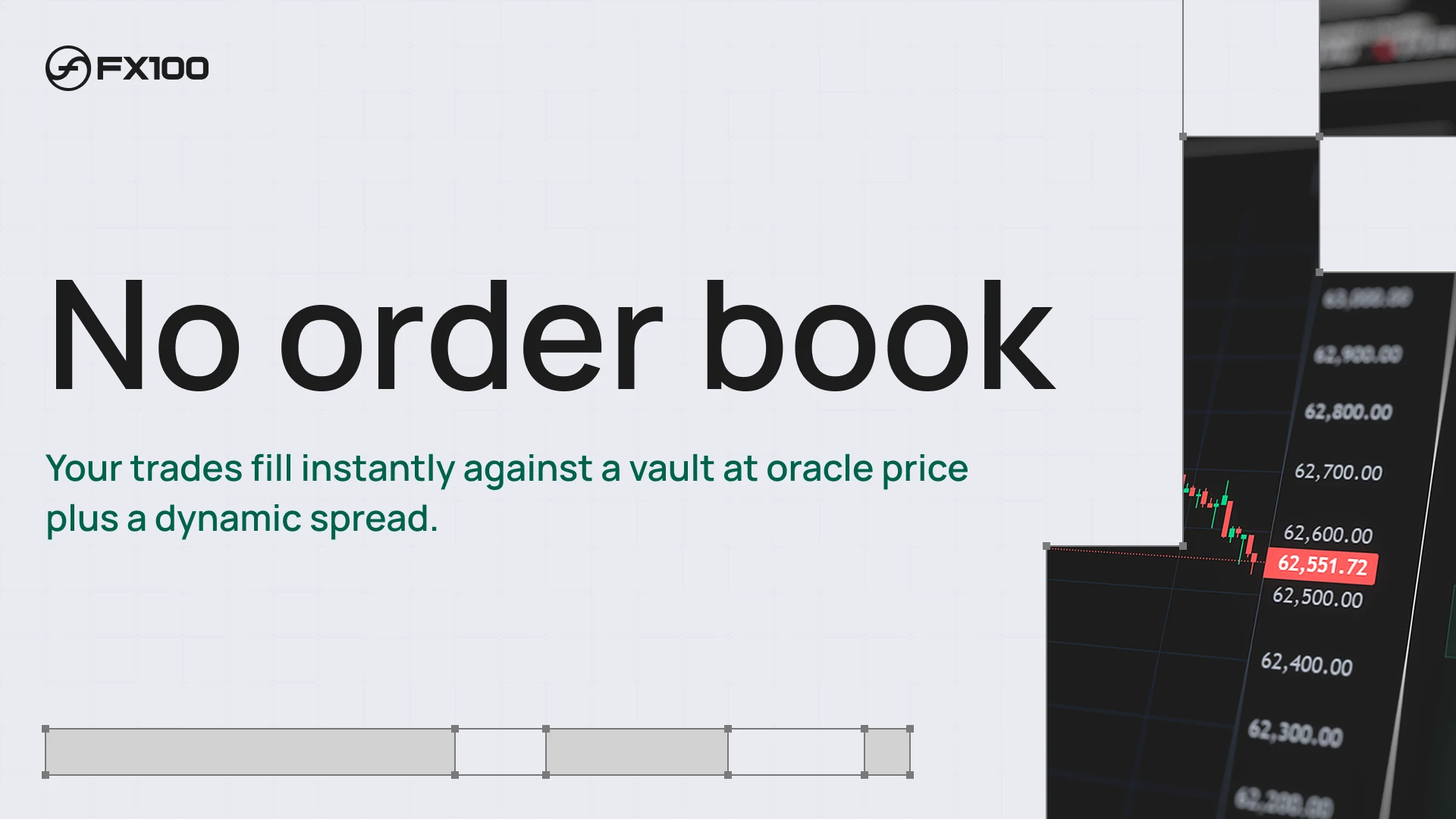
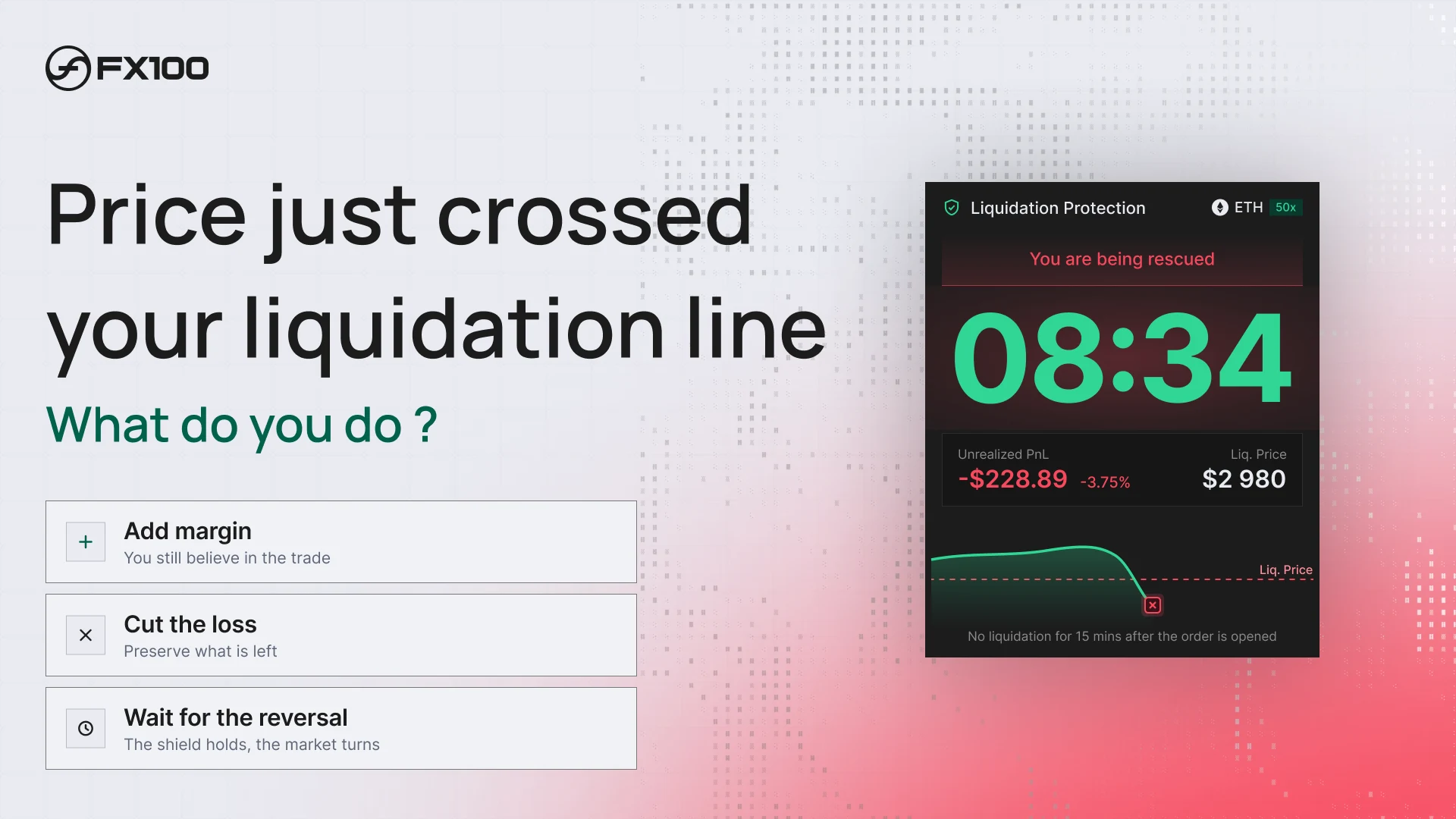
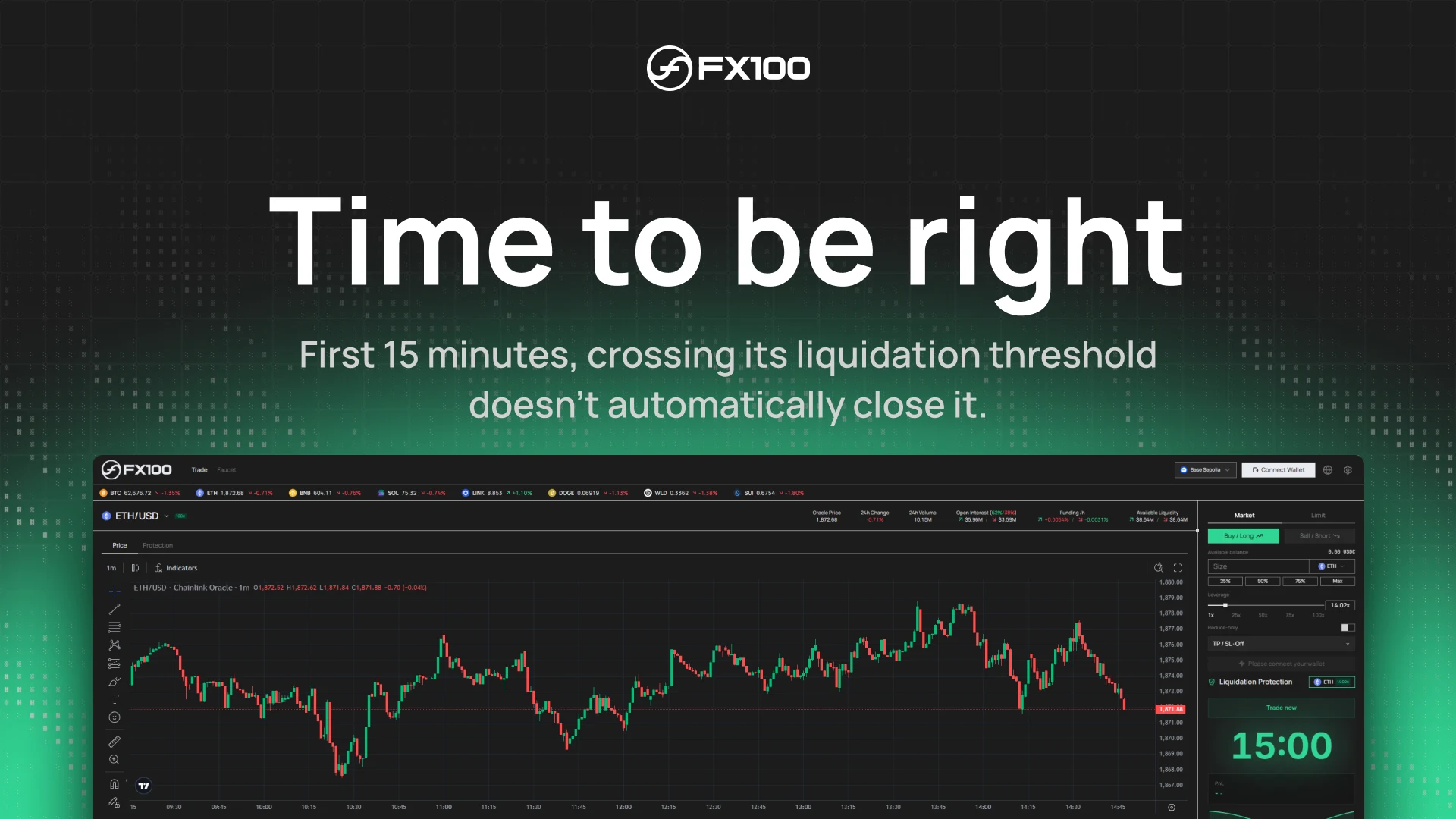
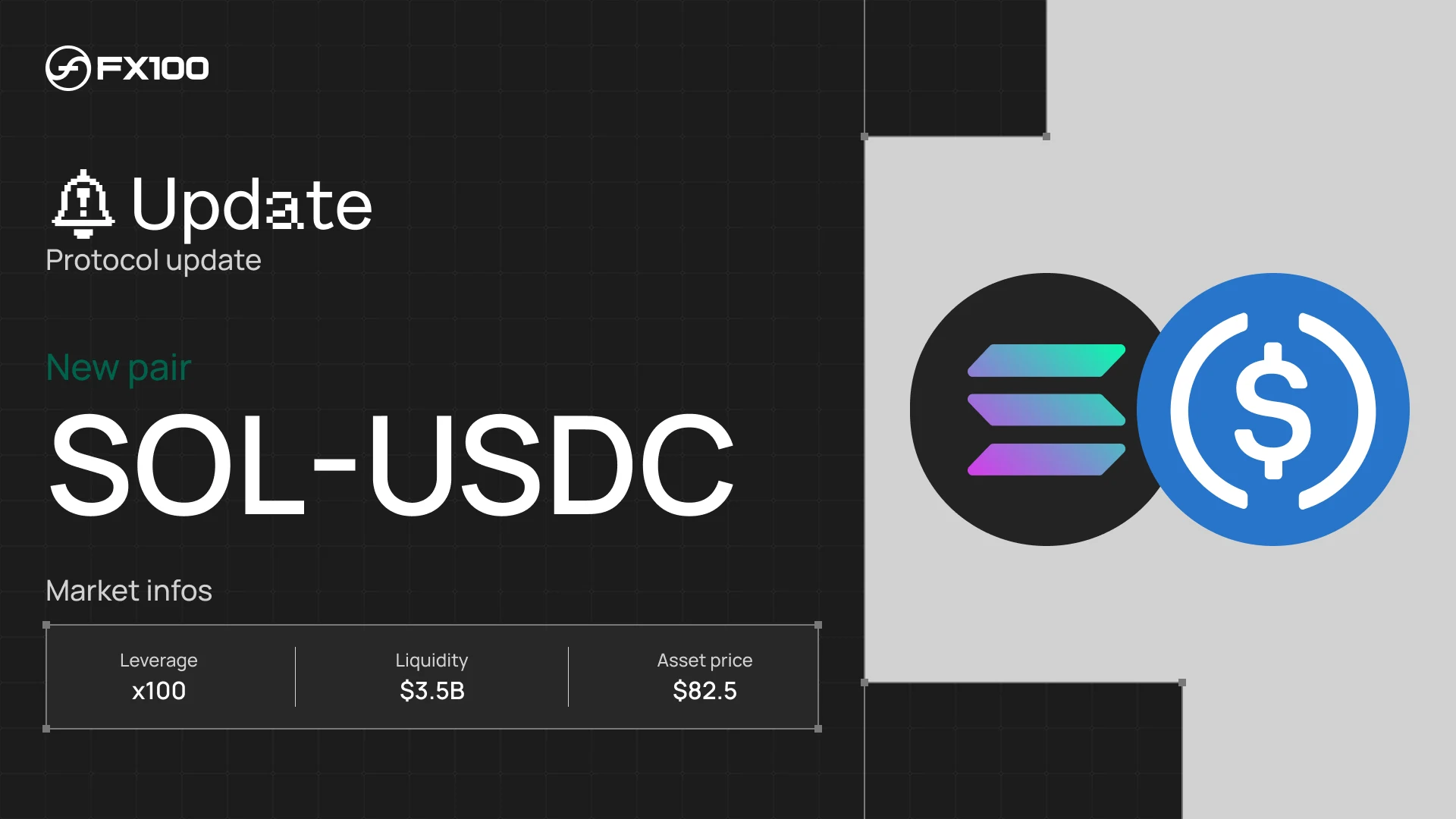
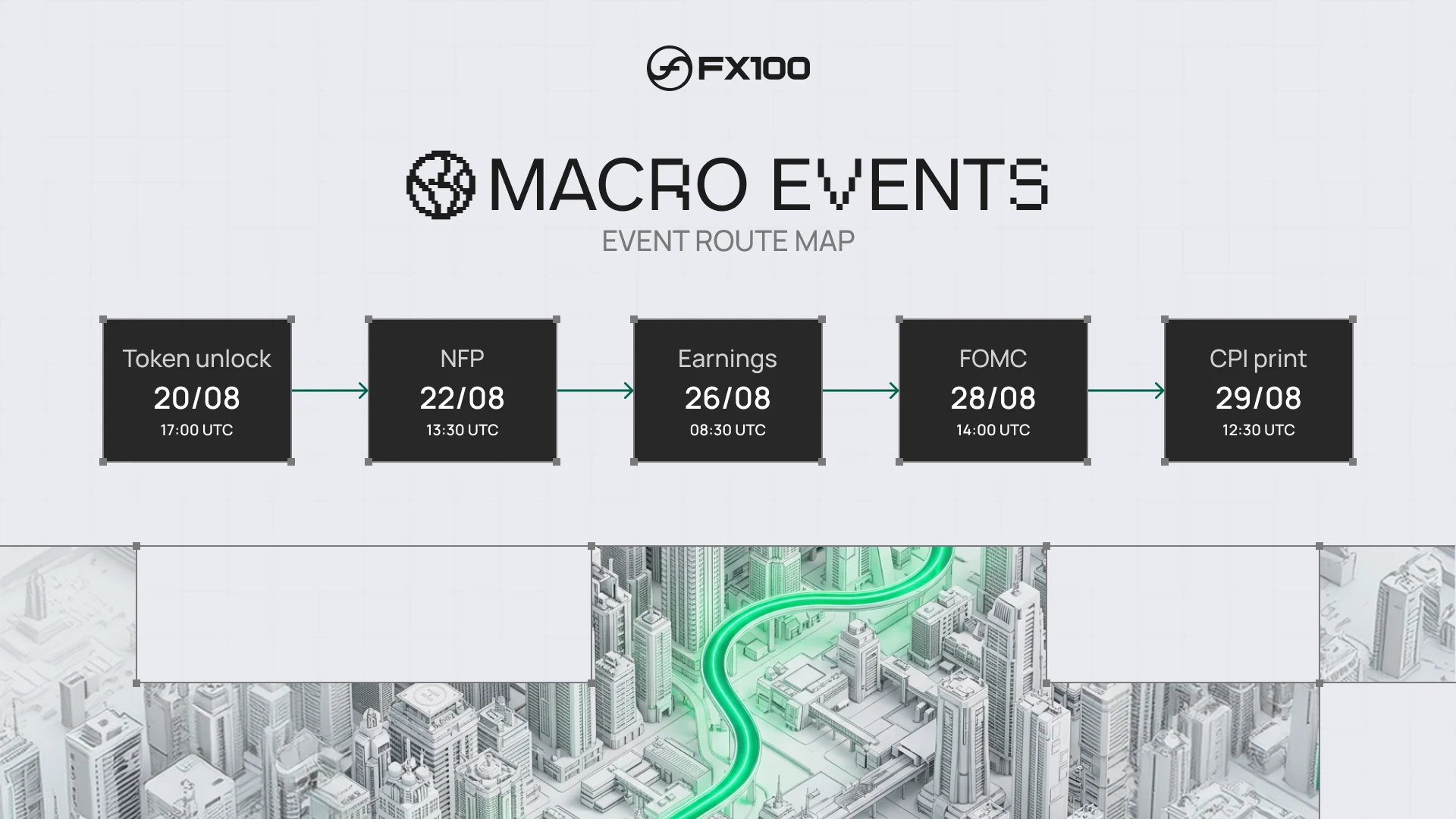
Visuals for FX100's announcements on X: unified liquidity, no order book, the price crossing the liquidation line, one-click trading, new markets and macro events. They all rely on the FX100 grid and its green path, so each post is recognisable at a glance.


PNL cards
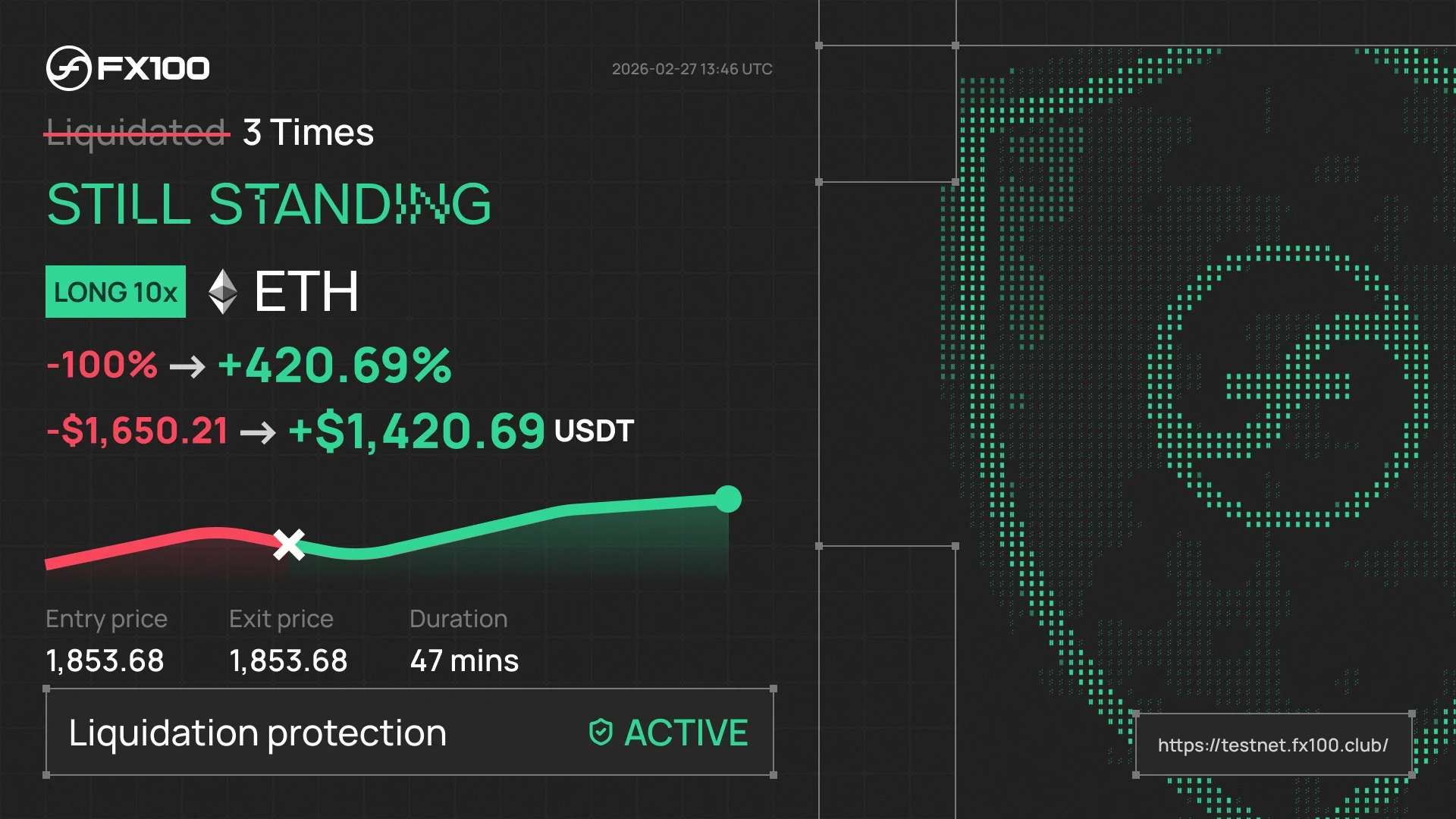
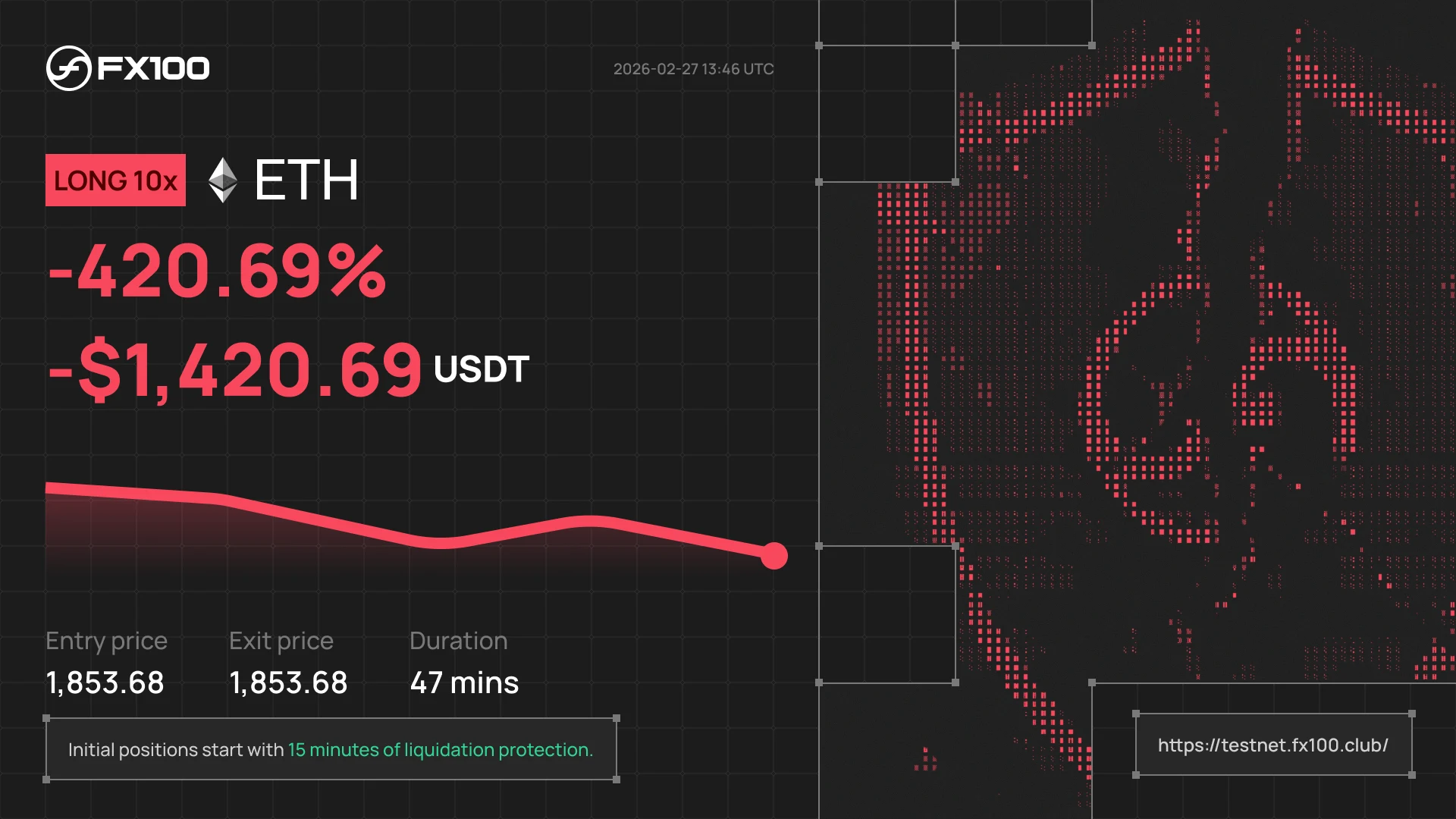
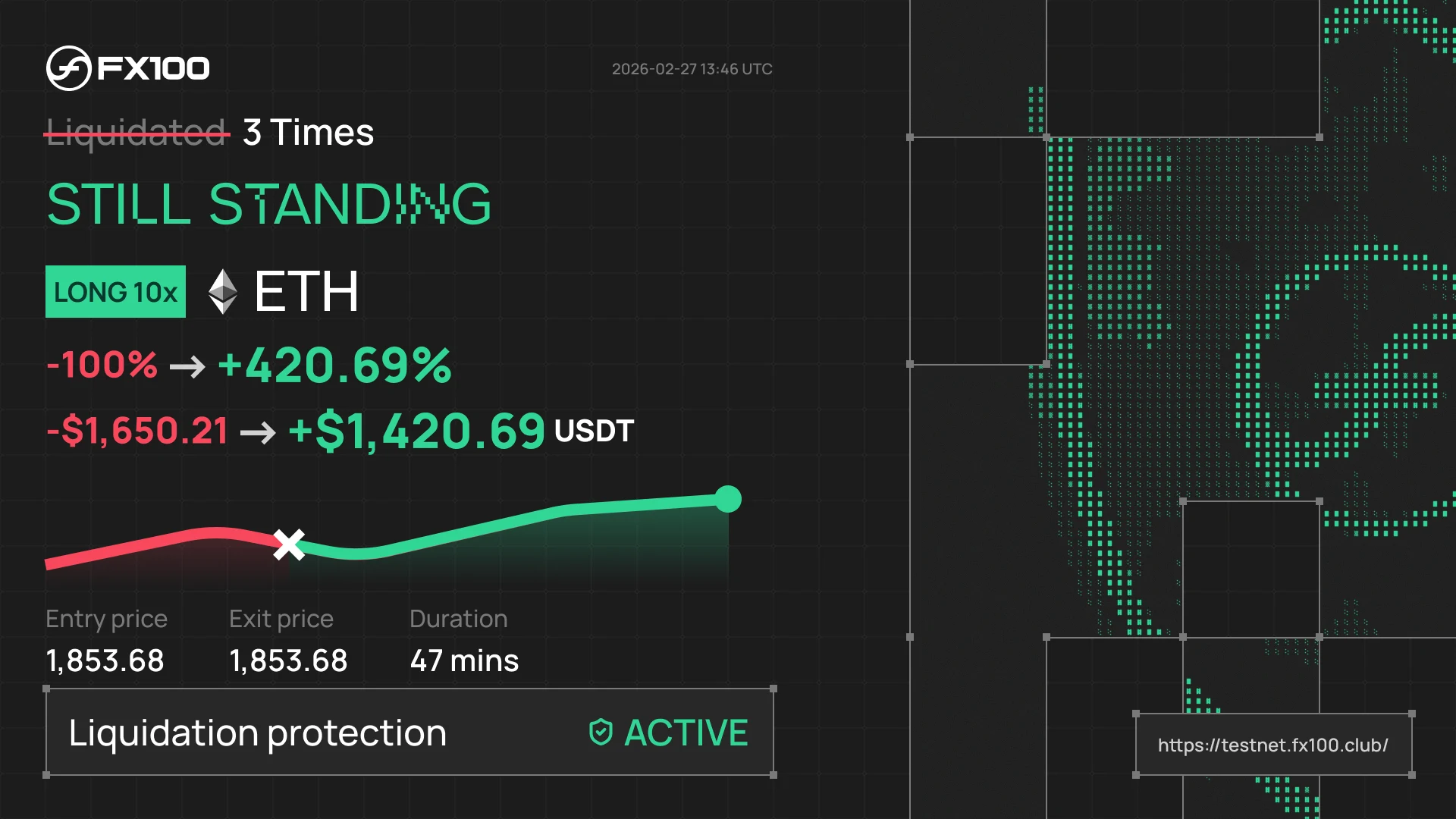
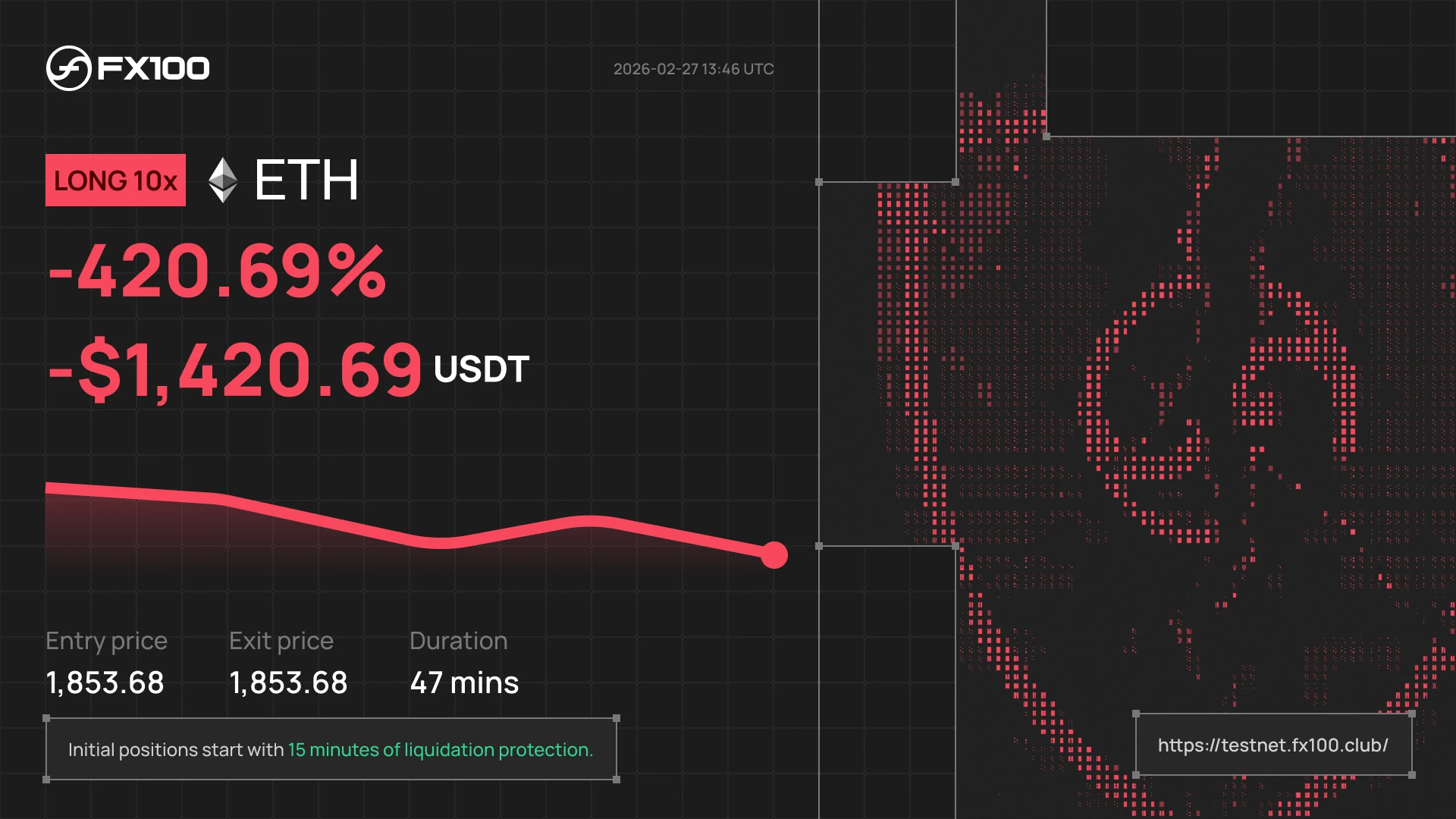
PNL cards for traders to share their result. The green card, Still standing, celebrates a position saved from liquidation. The red card shows the loss and recalls that every position starts with 15 minutes of protection.
Animated post
An animated post that explains the protection window: a position opens, a wick crosses the liquidation line, and the shield holds. Motion design built in code with HyperFrames.